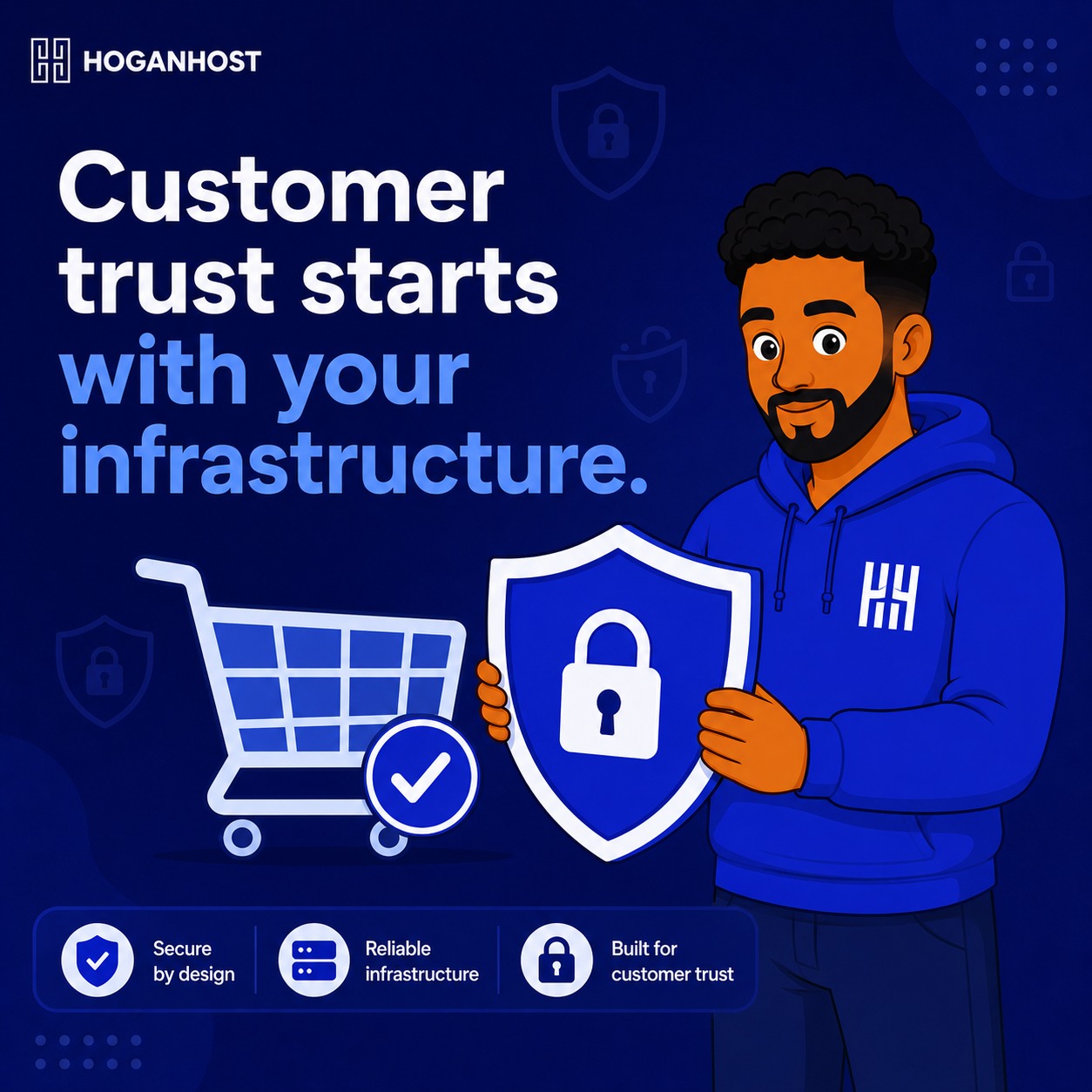
An online store handles genuinely sensitive customer data and payment information, which means your hosting choice carries security weight beyond what a typical brochure website needs to consider. Here are smart ways to choose hosting that actually protects your customers and your business.
Smart Approach 1: Confirm Free, Properly Configured SSL Is Included
SSL encryption is non-negotiable for any store handling payment information, and this should be included as a standard feature, not an expensive add-on. Confirm your hosting plan includes free SSL, ideally with automatic renewal, so your entire checkout process, and ideally your whole site, loads securely without requiring ongoing manual maintenance on your part.
Smart Approach 2: Understand Your Actual PCI Compliance Scope
Payment Card Industry Data Security Standard compliance applies to any business that stores, processes, or transmits cardholder data, and the current standard, PCI DSS 4.0.1, brings stricter authentication and monitoring requirements. The good news for most small Nigerian ecommerce businesses is that using a reputable, hosted payment gateway checkout, like Paystack or Flutterwave, where card details are entered directly on the gateway’s own secure page rather than your own server, significantly reduces your own compliance scope and burden.
Confirm your payment integration genuinely keeps raw card data away from your own server entirely, rather than processing it directly, since this single architectural choice is what keeps compliance manageable for a small business rather than requiring the extensive assessment larger merchants face.
Smart Approach 3: Look For A Web Application Firewall
A web application firewall filters incoming traffic to your store, blocking known malicious patterns before they reach your actual website code. This is particularly important for ecommerce, since online stores are frequently targeted by automated attacks looking for common vulnerabilities in popular platforms like WooCommerce.
Smart Approach 4: Confirm Regular, Automated Backups Are Included
An ecommerce store’s data, orders, customer information, and product catalog changes constantly, making regular, automated backups genuinely critical rather than a nice-to-have feature. Confirm your hosting includes automated backups on a frequency that matches how often your store’s data actually changes, and that these backups are stored separately from your live server.
Smart Approach 5: Check For Proactive Malware Scanning
Rather than only discovering a compromise after damage has occurred, proactive malware scanning catches malicious code early, before it can seriously affect your store or your customers. Confirm your hosting provider includes this kind of ongoing monitoring, rather than leaving security entirely reactive.
Smart Approach 6: Prioritize Resource Isolation For Sensitive Operations
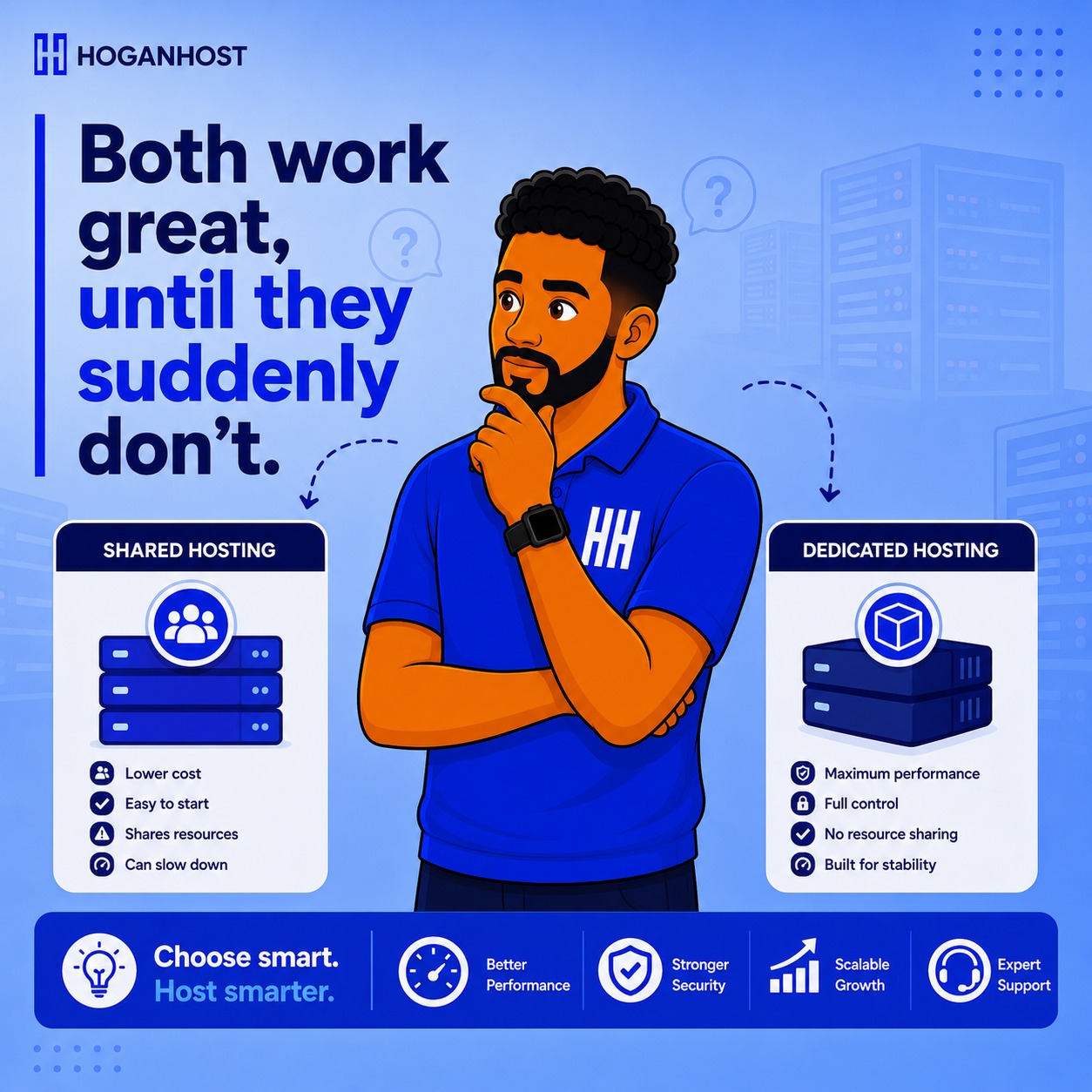
Shared hosting, while cost-effective, means your resources sit alongside other websites on the same server. For a growing or higher-traffic ecommerce store, particularly one handling significant transaction volume, a VPS or dedicated environment offers stronger resource and security isolation, reducing the risk that an issue on a completely unrelated account could affect your store’s performance or security.
Smart Approach 7: Confirm DDoS Protection Is Included
Online stores, particularly during high-traffic events like sales campaigns, can be targeted by distributed denial of service attacks, deliberately overwhelming a server with traffic to take it offline. Confirm your hosting includes DDoS protection as a standard feature, since this kind of attack can be devastating during exactly the high-traffic moments your business most depends on staying online.
Smart Approach 8: Evaluate The Provider’s Own Security Track Record
Beyond the specific features offered, consider the hosting provider’s own track record and reputation for security and reliability. Look for transparency about how they handle security incidents, and genuine responsiveness from their support team, since even the best infrastructure occasionally requires a fast, competent response to something unexpected.
Smart Approach 9: Keep Your Own Store Software Updated Regardless Of Hosting Security
No hosting security setup fully compensates for outdated, vulnerable store software running on top of it. Keep WordPress, WooCommerce, and every plugin updated consistently, since a significant share of ecommerce compromises exploit known, already-patched vulnerabilities in outdated software rather than any weakness in the underlying hosting infrastructure itself.
Smart Approach 10: Set Up Two-Factor Authentication Everywhere It Matters
Enable two-factor authentication on your hosting control panel, your store’s admin login, and your payment gateway dashboard, since these represent the highest-value targets an attacker would want access to. This single, relatively simple step closes one of the most common paths to a serious compromise.
Common Mistakes To Avoid
- Choosing hosting purely on price without checking whether genuine security features are actually included.
- Processing raw card data on your own server instead of using a hosted gateway checkout that significantly reduces your compliance burden.
- Assuming hosting-level security alone protects you, while neglecting to keep your own store software updated.
- Skipping two-factor authentication on high-value admin accounts.
Choosing secure hosting for an ecommerce website means looking specifically for SSL, backups, malware scanning, and DDoS protection as genuine included features, not assumptions, while also understanding that keeping raw payment data off your own server through a hosted gateway checkout meaningfully simplifies your overall security and compliance responsibility.
Want ecommerce hosting built with the security features your store and customers genuinely need? Get secure, ecommerce-ready hosting from HoganHost and build customer trust on a foundation that actually earns it.