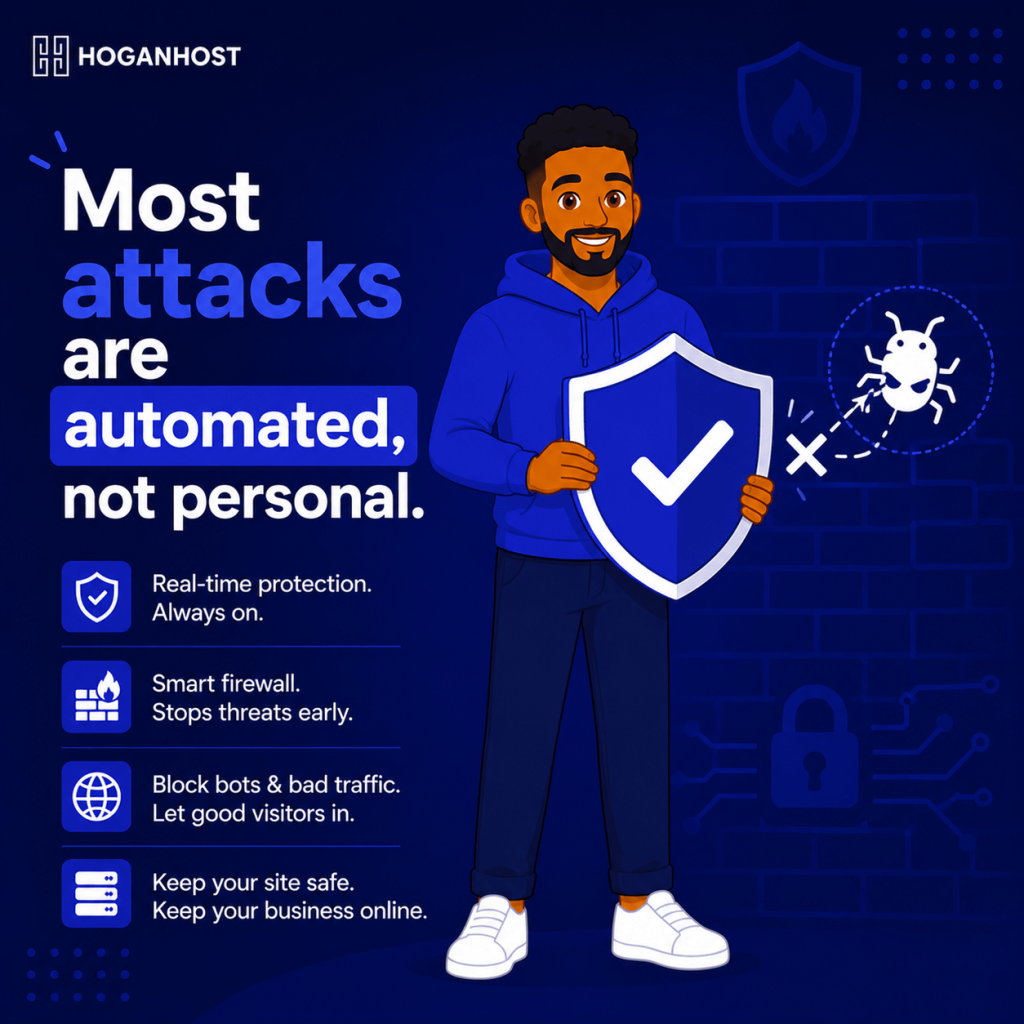
Roughly thirteen thousand WordPress websites get hacked every single day globally, and the overwhelming majority of these attacks are automated, not the work of someone specifically targeting your business. That is actually good news, since it means a solid set of basic defenses blocks the vast majority of real threats your small business website will ever face.
Here is everything you need to know to protect your website properly.
Understand That Most Attacks Are Automated, Not Personal
Attackers rarely sit down and manually target a specific small business website. Instead, automated bots scan millions of websites continuously, looking for known vulnerabilities, weak passwords, and outdated software they can exploit at scale. Recent industry data shows that around 97 percent of WordPress attacks specifically are automated in nature.
This means your defense strategy does not need to stop a determined, skilled individual. It needs to make your website an unattractive, well-protected target compared to the enormous number of poorly secured sites automated scans find far more easily.
Step 1: Keep Everything Updated, Always
The single most important habit in website security is staying current. A striking amount of vulnerability data shows that the overwhelming majority of security flaws exist in plugins and themes, not core platform software, and that exploit attempts frequently begin within just a few hours of a vulnerability becoming public knowledge.
- Update your core platform, whether WordPress or another system, as soon as updates are released.
- Update all plugins and themes regularly, and remove any you are not actively using entirely.
- Enable automatic updates where your platform safely supports it, reducing the window between a patch being released and it actually being applied.
Step 2: Use Strong, Unique Passwords And Enable Two-Factor Authentication
Weak, reused, or default passwords remain one of the most common entry points for automated attacks. Every admin account on your website, hosting control panel, and email should use a strong, unique password, and two-factor authentication should be enabled anywhere it is offered.
Avoid using “admin” as a username, since it remains one of the very first usernames automated brute-force attempts try.
Step 3: Install A Web Application Firewall
A web application firewall filters incoming traffic to your website, blocking known malicious patterns before they ever reach your actual site code. While no single defense catches everything, since traditional firewalls have been shown to miss a meaningful share of platform-specific attacks, a properly configured firewall still blocks a large volume of basic, automated attempts and remains a genuinely important layer of your overall defense.
Step 4: Limit Login Attempts And Monitor Access
Configure your website or hosting control panel to lock out an IP address after a handful of failed login attempts, which significantly slows down brute-force attacks attempting to guess your password through repeated tries.
Where available, review your login activity logs periodically, watching for repeated failed attempts or logins from unfamiliar locations that might indicate an attempted or successful breach.
Step 5: Minimize What Is Installed On Your Website
Every plugin, theme, and script installed on your website represents a potential entry point, whether currently active or not. Since the overwhelming majority of platform vulnerabilities exist specifically in plugins rather than core software, keeping your installed plugin count lean and removing anything unused meaningfully reduces your actual attack surface.
Step 6: Set Up Regular, Automated Backups
Even with strong defenses in place, no website is completely immune to every possible attack. Automated, regular backups, stored separately from your live website, ensure that if something does go wrong, you can restore your site quickly rather than facing a prolonged, stressful recovery, or worse, permanent data loss.
Most reliable hosting plans include automated backup options as part of the package, which is worth confirming and actively using rather than assuming it happens by default.
Step 7: Use A Valid SSL Certificate
Beyond simply removing the “Not Secure” browser warning, a properly installed SSL certificate encrypts data traveling between your visitors and your server, protecting login credentials, contact form submissions, and payment information from being intercepted in transit.
Step 8: Choose Hosting That Takes Security Seriously
Your hosting provider forms the foundation underneath every other security measure you put in place. Look for hosting that includes server-level firewalls, DDoS protection, and proactive malware scanning, since these server-side protections catch threats before they ever reach the point where your own website-level defenses would need to respond.
Common Mistakes That Leave Websites Exposed
- Delaying updates, leaving known, publicly disclosed vulnerabilities unpatched for weeks or months.
- Reusing passwords across multiple accounts, turning one unrelated breach elsewhere into an entry point for your website.
- Installing plugins and never removing ones no longer in active use.
- Assuming a small business website is too insignificant to be targeted, when the vast majority of attacks are automated and target vulnerabilities, not size or profile.
Protecting a small business website does not require an enterprise security budget. It requires consistent updates, strong access controls, a solid firewall, and reliable backups, layered together so that even if one defense is bypassed, the others still hold.
Want hosting with the security layers already built in to protect your business website? Get secure hosting plans from HoganHost with firewalls, SSL, and backup protection included.