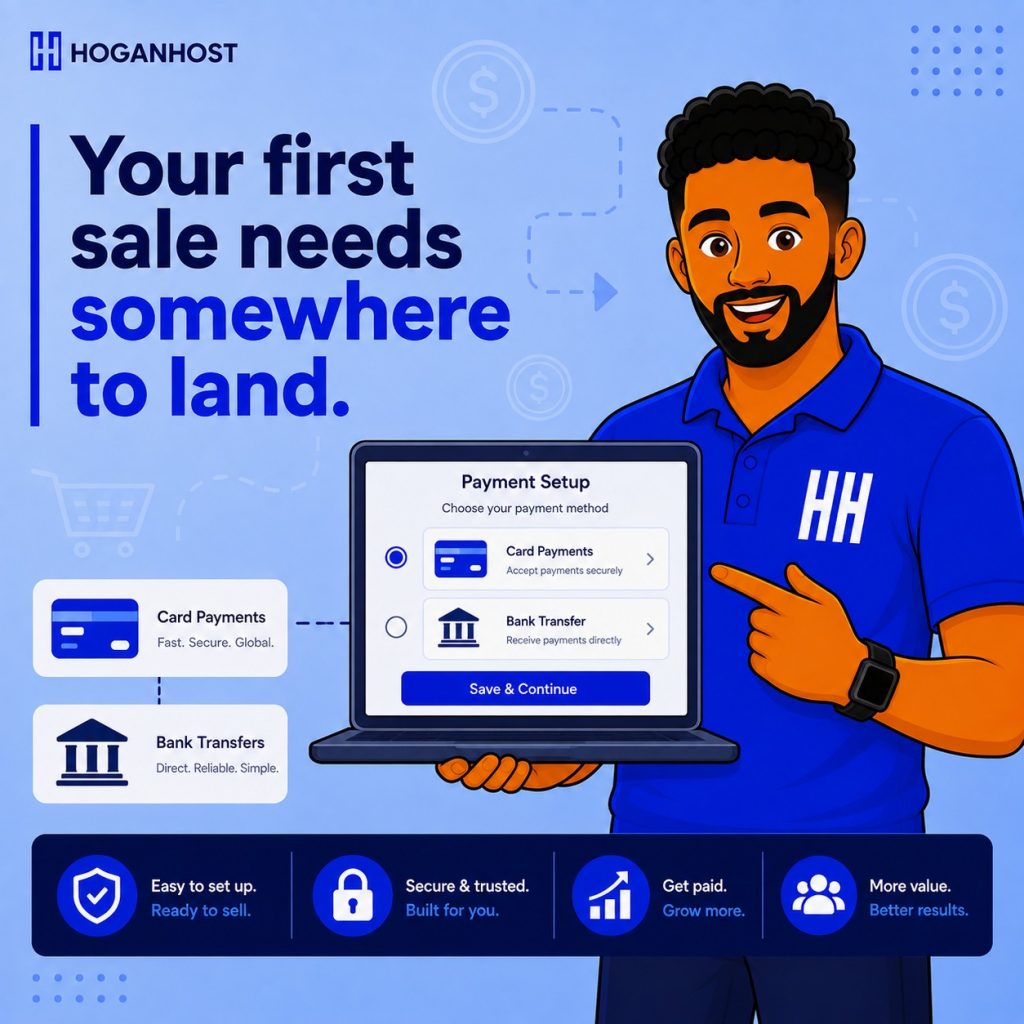
Getting your very first payment setup right shapes how smoothly your entire early business runs. Here are the simple steps for a brand new Nigerian online business to start accepting payments properly, without unnecessary delays or costly early mistakes.
Step 1: Open A Dedicated Business Bank Account
Before setting up any payment gateway, open a bank account specifically for your business, separate from your personal account. Most Nigerian payment gateways prefer or require this for full verification, and it also makes your own bookkeeping significantly cleaner from day one, rather than untangling personal and business transactions later.
Step 2: Choose Your Primary Payment Gateway
For most new Nigerian online businesses, Paystack or Flutterwave represent the practical starting point, both offering mature, well-documented integrations, reasonable fees, and strong local trust among Nigerian customers. Compare their current rates and features against your specific business type before committing, since exact pricing and promotional terms shift periodically.
Step 3: Complete Your Verification Process Early
Before you can accept live payments, your chosen gateway requires a verification process, generally including your business bank account details, basic identification, and completed KYC verification. Start this process as early as possible in your setup, since approval can take a few days, and you do not want it delaying your actual launch.
Step 4: Integrate Your Gateway With Your Sales Channel
How you integrate payment depends on how you actually sell.
- If you have a WooCommerce store, install the official plugin for your chosen gateway and enter your API keys.
- If you sell primarily through social media and direct messages, use your gateway’s payment link or invoicing feature, which lets you generate a shareable payment link without needing a full website.
- If you are building a custom website, your developer will integrate directly through the gateway’s API
Step 5: Enable Multiple Payment Methods From The Start
Nigerian customers pay in different ways, and limiting yourself to card payments alone costs real sales from your very first week. Enable bank transfer and USSD options alongside card payments, since many Nigerian customers genuinely prefer these methods over entering card details online.
Step 6: Test With A Real Transaction Before Announcing You Are Open
Never launch publicly without testing your payment setup thoroughly first. Run a full test transaction using your gateway’s sandbox mode, confirming you receive proper order notifications and that a test customer would receive clear payment confirmation, before switching to live mode and telling the world you are open for business.
Step 7: Understand Your Settlement Timeline
Know how quickly funds from a sale actually reach your bank account, generally within one business day for most major Nigerian gateways, though this can shift slightly around weekends and public holidays. Understanding this timeline helps you plan your early cash flow realistically, rather than assuming instant access to every sale.
Step 8: Keep Clean Records From Your Very First Transaction
Build the habit of keeping clear records for every sale from day one, including order details, payment confirmation, and delivery information. This becomes invaluable both for your own bookkeeping and for defending against any future payment dispute, and it is far easier to build this habit from the start than to retroactively organize months of disorganized records later.
Step 9: Consider A Second Gateway As You Grow
While a single gateway is genuinely sufficient to start, keep in mind that as your business grows, running a second gateway alongside your primary one provides a useful backup during any occasional downtime or processing issue, reducing the risk of a lost sale during a moment your primary gateway is unavailable.
Step 10: Secure Your Website And Checkout Properly
Ensure your website has a valid SSL certificate active before accepting any payment information, since this both protects customer data and builds the visible trust signal, the padlock icon, that reassures a first-time customer their information is safe with your new, still-unfamiliar business.
Common Mistakes New Businesses Make
- Mixing personal and business bank accounts, complicating verification and your own bookkeeping.
- Skipping the test transaction step, discovering integration problems only after real customers encounter them.
- Offering only card payments, missing a large share of customers who prefer bank transfer or USSD.
- Launching without SSL properly configured, undermining trust at the exact moment a new business needs it most.
Setting up payments correctly from the very beginning gives your new business a genuinely professional, trustworthy foundation, and avoids the awkward mid-operation scramble of fixing a payment setup after customers are already trying to buy.
Ready to launch your online business with the right foundation in place? Get secure, ecommerce-ready hosting from HoganHost and start accepting payments with confidence from day one.