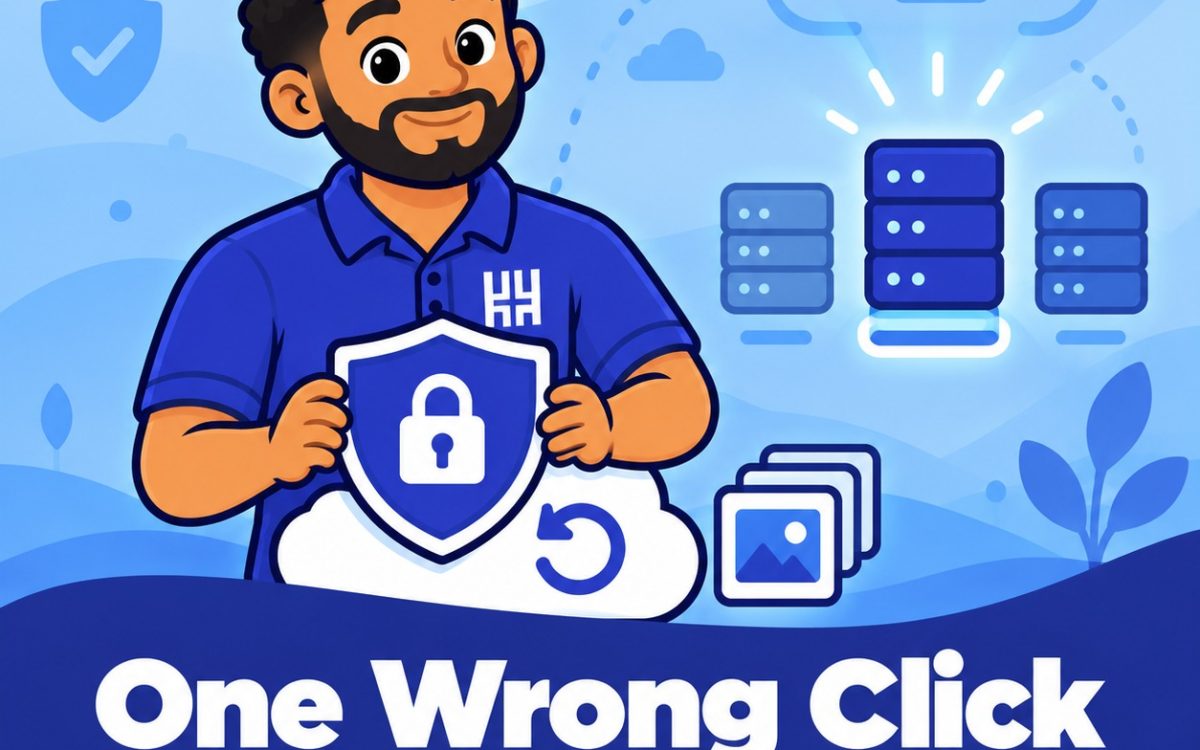
A staff member clears what looks like an old folder. A script runs against the wrong server. Someone empties a storage bucket thinking it is a test. In seconds, months of work are gone.
Cloud servers are reliable, but they do exactly what they are told. Here is how to make sure one wrong click is not the end of your data.
Why the Cloud Does Not Protect You Automatically
Many owners assume the provider keeps everything safe. In practice, the provider protects its hardware. Protecting your data from your own mistakes is your job.
Data is usually lost in familiar ways: accidental deletes and overwrites, administrative errors, stolen or leaked login details, and software bugs.
Features that can rescue you, such as versioning, often have to be switched on before you need them.
Replication Is Not a Backup
This is the biggest misunderstanding. Replication copies your data to another place so your service stays online if one machine fails.
But it copies mistakes too. Delete a file, and the deletion is replicated almost at once. Corrupted data spreads the same way.
A real backup keeps older, untouched copies you can return to.
Layer 1: Regular Snapshots and Backups
- Schedule automatic snapshots or backups, daily for important systems.
- Keep several restore points, not only the latest one.
- Decide how long to keep them, so a problem noticed a week late is still recoverable.
Backups you only take once are not a plan. Schedule them and forget them.
Layer 2: Versioning for Stored Files
If you keep files in cloud object storage, turn on versioning. A deletion then adds a marker instead of destroying the file, and earlier versions can be restored. Overwritten files can also be recovered.
Layer 3: Keep a Copy Somewhere Else
Follow the 3-2-1 rule.
- Keep 3 copies of your data.
- On 2 different types of storage
- With 1 copy kept off-site
Backups stored only in the same account as your server are risky. If an attacker or a careless administrator gets into that account, they may be able to delete the snapshots too. Keep at least one copy with a separate provider or in a separate account.
Layer 4: Limit Who Can Delete
Most accidental deletions are made by someone who never needed that power.
- Give each person only the access their job requires
- Use separate accounts for daily work and for administration.
- Turn on multi-factor authentication, especially for destructive actions.
- Remove access from people who leave the business.
Layer 5: Add Locks and Delays
Some tools let you protect important resources directly.
- Enable deletion protection on critical servers and databases.
- Use retention locks or immutable storage so backups cannot be erased for a set period.
- Require a second confirmation for risky actions.
These add a pause between a mistake and the damage.
Layer 6: Build Safer Habits
- Name and label resources clearly, so a test server is never mistaken for the live one
- Double-check which environment you are in before running a delete.
- Never run commands you do not fully understand on the live system.
- Record who is allowed to delete what
Do Not Forget Your Domain
Your website data matters little if your domain is hijacked or lost. Switch on domain lock and keep renewals automatic, so your name cannot be moved or dropped by mistake.
Test Your Restores
A backup you have never restored is a hope, not a safeguard. Every few months, restore a copy to a spare server and confirm the data is complete and the site works.
Also write down the steps, so anyone on your team can follow them when stress is high.
A Simple Starter Plan
- Turn on automatic daily snapshots.
- Turn on versioning for stored files.
- Copy backups to a second provider or account.
- Reduce who can delete data.
- Add multi-factor authentication
- Test one restore this month.
If you are not sure what your current web hosting backs up, ask your provider today, before you need the answer.
Choose Cloud Hosting With Safety Built In
If you want cloud infrastructure with snapshots and backups you can rely on, HoganHost’s cloud hosting gives you a secure place to run your business.