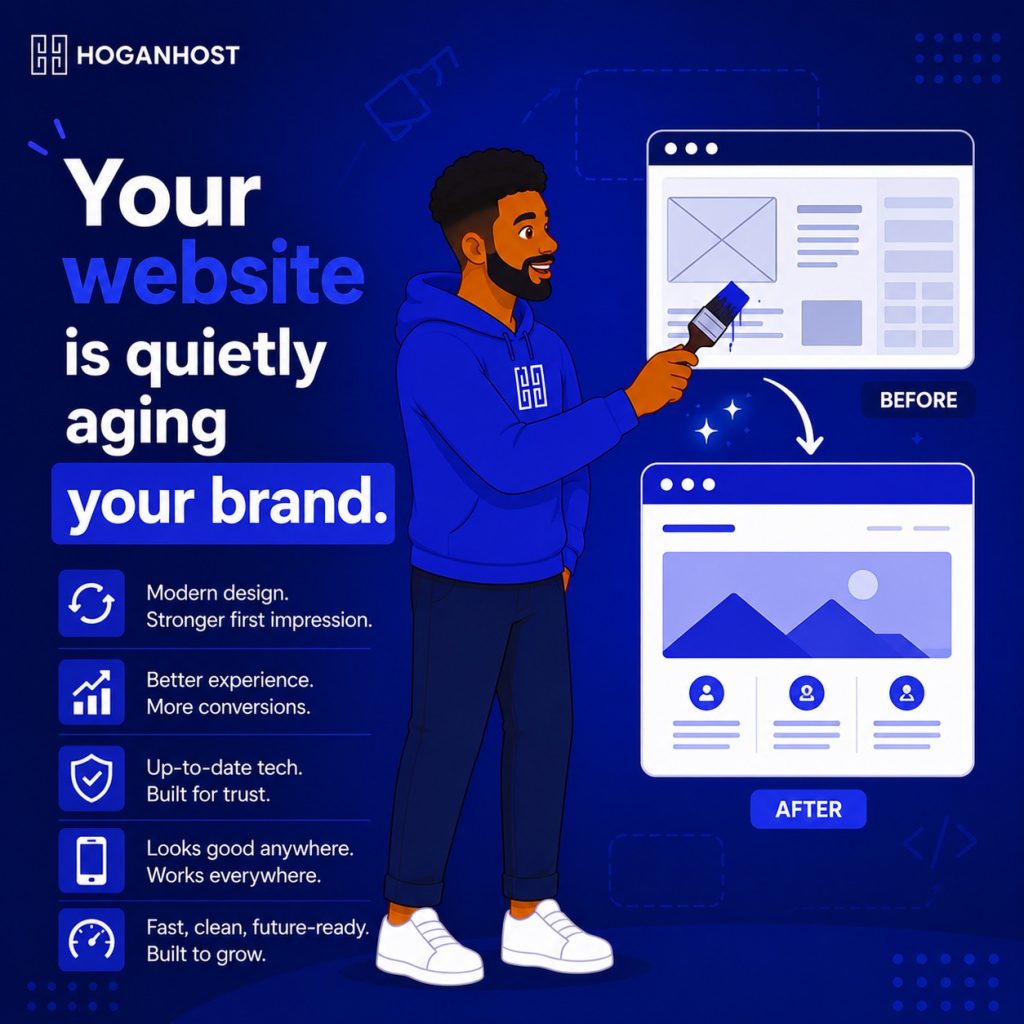
A website built five or more years ago quietly signals to visitors that your business might be outdated too, even if that is nowhere close to true. Here is how to bring an aging website back to a genuinely modern look, without necessarily starting completely from scratch.
Step 1: Diagnose What Is Actually Making It Look Outdated
Before redesigning anything, identify specifically what is aging your site, since the fix differs depending on the actual problem.
- Visual style, like heavy drop shadows, cluttered layouts, or fonts that were trendy years ago but now read as dated
- Layout structure, such as a design that is not responsive and looks broken or oddly squeezed on a mobile screen
- Performance: a site that loads noticeably slowly compared to modern, optimized websites
- Content, outdated information, old prices, or references to services you no longer offer
Often it is a combination of several of these, but identifying the biggest offenders first helps you prioritize where to focus your effort and budget.
Step 2: Confirm It Is Genuinely Responsive
If your website does not properly adapt to different screen sizes, this alone makes it feel immediately outdated to the majority of visitors browsing on mobile. Test your site on an actual phone, not just by resizing a desktop browser window, and confirm text is readable, buttons are easily tappable, and nothing overlaps or breaks on a smaller screen.
If your site fails this test, a responsive redesign should be your top priority, since it affects a large majority of your actual visitors.
Step 3: Simplify Your Visual Design
Older websites often carry visual habits that have since fallen out of favor: heavy borders, excessive drop shadows, cluttered sidebars, and busy background patterns. Modern web design favors simplicity, generous white space, and a limited, intentional color palette.
- Reduce visual clutter by removing unnecessary borders, boxes, and decorative elements that do not serve a clear purpose.
- Limit your color palette to two or three core brand colors used consistently throughout
- Increase white space around your content, letting it breathe rather than filling every available pixel.
Step 4: Update Your Typography
Fonts date a website more than most people realize. If your site still uses default system fonts or an overly decorative typeface from years past, updating to a clean, modern font pairing can transform the overall feel of your site with relatively little technical effort.
Step 5: Refresh Your Imagery
Old, low-resolution, or generic stock photos are one of the fastest visual giveaways of an aging website. Replace outdated images with current, higher-quality photos, ideally genuine photos of your actual products, team, or space rather than generic stock imagery, which reads as more authentic and current to visitors.
Step 6: Improve Your Site’s Actual Speed
A modern-looking design paired with slow loading undermines the whole effort. Since older websites often accumulate years of unused plugins, oversized images, and outdated code, a speed audit alongside your visual refresh addresses a problem visitors feel even before they consciously notice the design.
Consider whether your hosting itself has kept pace with your website’s needs, since older hosting infrastructure can quietly become a bottleneck as web standards and visitor expectations have moved forward.
Step 7: Decide Between A Refresh And A Full Rebuild
Depending on how outdated your current site is, you have two realistic paths.
- A refresh works well if your site’s underlying structure is sound, but the visual layer feels dated, updating colors, fonts, imagery, and spacing without rebuilding the whole site from the ground up.
- A full rebuild makes more sense if your site is not responsive at all, runs on an outdated or unsupported platform, or has accumulated so many structural issues that patching them individually would take longer than starting fresh.
Be honest about which category your site actually falls into before committing time and budget to either path.
Step 8: Update Outdated Content Alongside The Visual Refresh
A modern-looking design still feels wrong if the content underneath references old pricing, discontinued services, or an outdated year in a copyright notice. Review your entire site’s content during this process, not just the visual layer, since outdated information undermines trust just as much as an outdated design does.
Common Mistakes To Avoid
- Focusing only on visual style while ignoring whether the site is genuinely responsive.
- Adding modern visual trends without removing genuinely outdated structural issues underneath.
- Refreshing the design while leaving old, inaccurate content untouched.
- Ignoring page speed, letting a beautiful new design still feel outdated through slow performance.
Modernizing an old website does not always require a complete rebuild. Often, a focused refresh of layout, typography, imagery, and speed brings a website fully back to feeling current, credible, and ready to represent your business properly.
Ready to give your website the modern refresh it deserves? Get expert web design support from HoganHost and bring your online presence up to date.