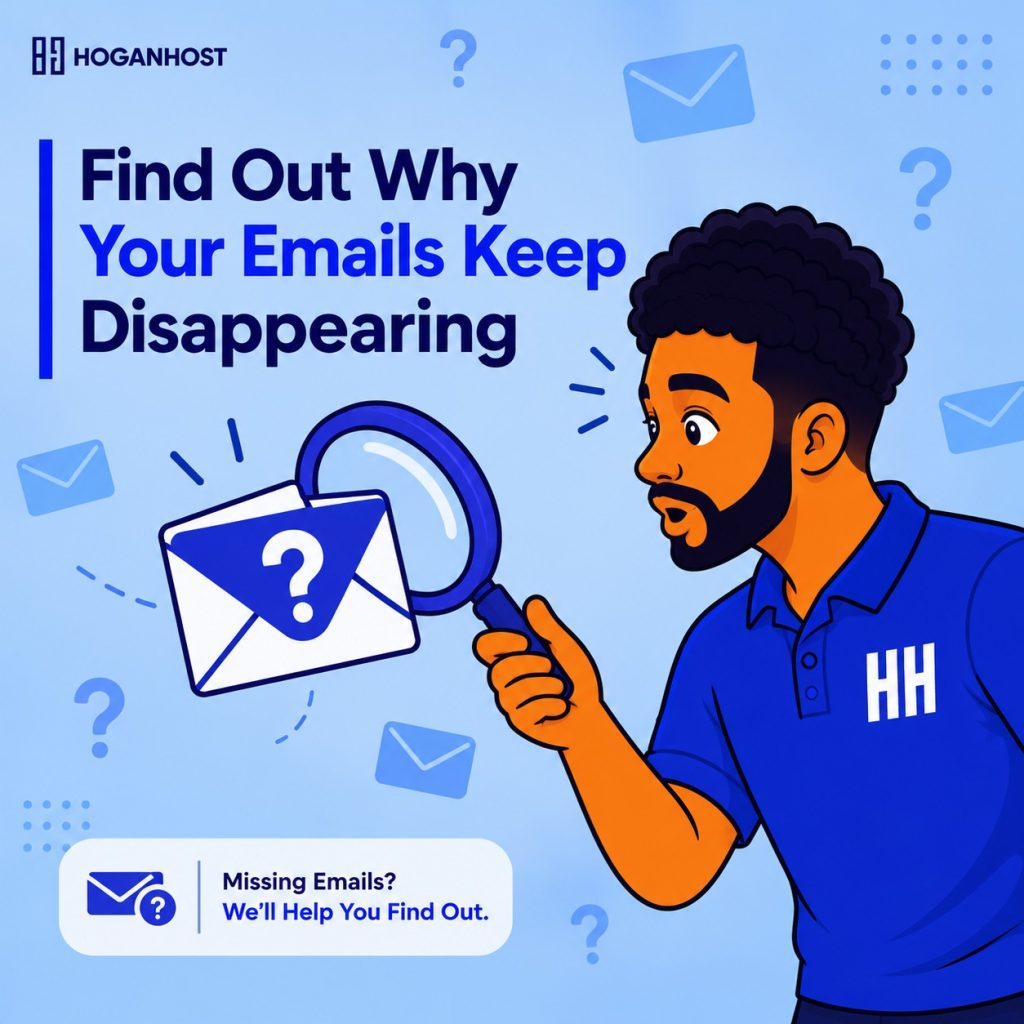
A customer swears they emailed an order confirmation request days ago. It never arrived. No bounce message, no error, just silence. This kind of silent email failure is one of the most frustrating business problems precisely because nothing obviously breaks. It just quietly stops working.
Most missing email problems trace back to a handful of specific, diagnosable causes. Here is how to find the actual reason and fix it properly.
Check Authentication Records First
SPF, DKIM, and DMARC are technical DNS records that prove an email genuinely comes from your domain rather than being spoofed by someone impersonating your business. Missing or misconfigured records in any of these three are among the most common causes of emails silently disappearing into spam folders or being rejected outright by major providers like Gmail and Outlook.
Google and Microsoft have both tightened sender requirements in recent years, now generally expecting at minimum SPF or DKIM for all senders, and requiring all three for anyone sending in bulk. A domain missing these records entirely, or with a record containing even a small typo, can see legitimate business emails silently filtered before customers ever see them.
Use a free email authentication checker to verify these records are correctly configured for your domain, since even a single incorrect character can cause an otherwise properly set up record to fail.
Understand That Passing Authentication Does Not Guarantee Delivery
A common point of confusion is assuming that once SPF, DKIM, and DMARC all pass, deliverability problems are automatically solved. Authentication proves your emails are legitimate, but it does not guarantee inbox placement on its own. Mailbox providers also weigh sender reputation, complaint rates, recipient engagement history, and content patterns when deciding whether to deliver to the inbox or the spam folder.
This means a domain can have flawless authentication settings and still experience delivery issues rooted in reputation or content, which requires a slightly different diagnostic approach.
Check for Third-Party Sending Services
Many businesses send email not just from their own mail server but also through connected services, a CRM, an invoicing tool, a marketing platform, or an appointment booking system. Each of these needs to be properly authorized within your SPF and DKIM configuration.
A missing authorization for one of these services is a common, easily overlooked cause of specific categories of business email failing to deliver, while regular email from the primary mailbox continues working normally.
Review Sender Reputation and Sending Patterns
A domain or IP address with a history of triggering spam complaints, sending unusually large volumes suddenly, or being associated with previous spam activity develops a poor sender reputation that persists even after underlying issues are fixed. This reputation is tracked by receiving mail providers independently of your own domain settings.
Sending consistent volumes, avoiding sudden large sends without warming up gradually, and keeping complaint rates low all help maintain a reputation that supports reliable delivery over time.
Check the Customer’s Side Too
Not every missing email problem originates on the sending side. Ask the customer to check their spam or junk folder specifically, and confirm they provided the correct email address without a typo. Some corporate email systems also apply their own additional filtering rules beyond standard spam detection, which can catch legitimate business email regardless of how well configured the sending domain is.
Inspect Actual Message Headers When Troubleshooting
For a persistent, unresolved delivery problem, examining the full technical headers of a specific message that failed to arrive provides concrete diagnostic detail, showing exactly which authentication checks passed or failed and at which specific point in the delivery chain the message was affected. This level of detail moves troubleshooting from guesswork to a specific, evidence-based fix.
Avoid Content That Triggers Spam Filters
Certain content patterns, excessive links, spam trigger words, or formatting that closely resembles common phishing templates can cause spam filters to flag even genuinely legitimate business email. Reviewing email content for these patterns, particularly for automated transactional emails like order confirmations or password resets, can resolve issues that authentication fixes alone do not address.
Getting Email Infrastructure Configured Correctly From the Start
Email authentication configuration is technical enough that many businesses never verify it was set up correctly, only discovering a problem once customers start reporting missing communications.
HoganHost’s web hosting plans include properly configured business email hosting with correct authentication settings applied as standard, reducing the risk of exactly this kind of silent, hard-to-diagnose delivery failure.
Missing emails rarely announce themselves with a clear error message. Diagnosing the actual cause, whether authentication, reputation, or a third-party sending service, turns a frustrating mystery into a specific, fixable technical issue.