A single convincing phishing email can trick an employee into handing over login credentials, approving a fake invoice, or wiring money to a fraudulent account. Business email remains one of the most common entry points for scams targeting Nigerian companies, precisely because it looks routine until the moment it is not.
Protecting a business email account is less about one dramatic security feature and more about layering several smaller defenses together. Here is what actually works.
Recognize What Phishing Emails Look Like
Phishing emails impersonate someone trustworthy, a bank, a supplier, a colleague, or even a company’s own management, to trick the recipient into clicking a malicious link, downloading an infected attachment, or replying with sensitive information.
Common warning signs include a sender address that looks almost right but not quite, unexpected urgency demanding immediate action, requests for payment details or login credentials, and links that do not match the text describing them when you hover over them.
Sophisticated phishing attempts increasingly avoid obvious spelling errors and generic greetings, making them harder to spot at a quick glance than they used to be.
Enable Two-Factor Authentication
Two-factor authentication requires a second verification step beyond just a password, usually a code sent to a phone or generated by an authentication app. Even if a phishing attempt successfully steals a password, two-factor authentication blocks the attacker from actually logging in without that second code.
This single setting change blocks the majority of account takeover attempts that succeed purely because a password was compromised.
Train Staff to Verify Before Acting
The strongest technical defenses cannot stop an employee from clicking a convincing link or approving a fraudulent payment request that looks legitimate. Regular, brief training on recognizing phishing attempts matters more than most businesses realize.
Establish a simple rule: any request involving payment details, password changes, or sensitive data gets verified through a second channel, such as a phone call, before action is taken, no matter how urgent or official the email appears.
Use Strong, Unique Passwords for Every Account
Reused passwords across multiple accounts mean one compromised password can unlock several systems at once. Encourage unique passwords for business email specifically, ideally managed through a password manager rather than relying on memory or written notes.
Check Email Authentication Records
SPF, DKIM, and DMARC are technical email authentication settings that help prevent attackers from sending emails that appear to come from your own domain. Without these configured correctly, it becomes easier for a scammer to send a convincing fake email that looks like it came directly from your business.
Most reputable hosting providers configure these automatically for business email hosting, but it is worth confirming they are active, particularly for a domain that has been in use for a long time or migrated between providers.
Be Cautious With Email Attachments and Links
Unexpected attachments, particularly ones requesting that macros be enabled in a document, are a common malware delivery method. Verify the sender through a separate channel before opening anything unexpected, even if the email appears to come from a known contact, since email accounts can themselves be compromised and used to send convincing follow-up phishing attempts.
Keep Email Software and Devices Updated
Outdated email clients, browsers, and operating systems sometimes contain known security vulnerabilities that phishing-related malware specifically targets. Regular updates close these gaps before they can be exploited.
Report and Respond Quickly
If a phishing attempt is identified, whether successful or not, report it internally and change any potentially compromised passwords immediately. Quick response limits how much damage a successful phishing attempt can actually cause.
Building Security Into the Email Foundation
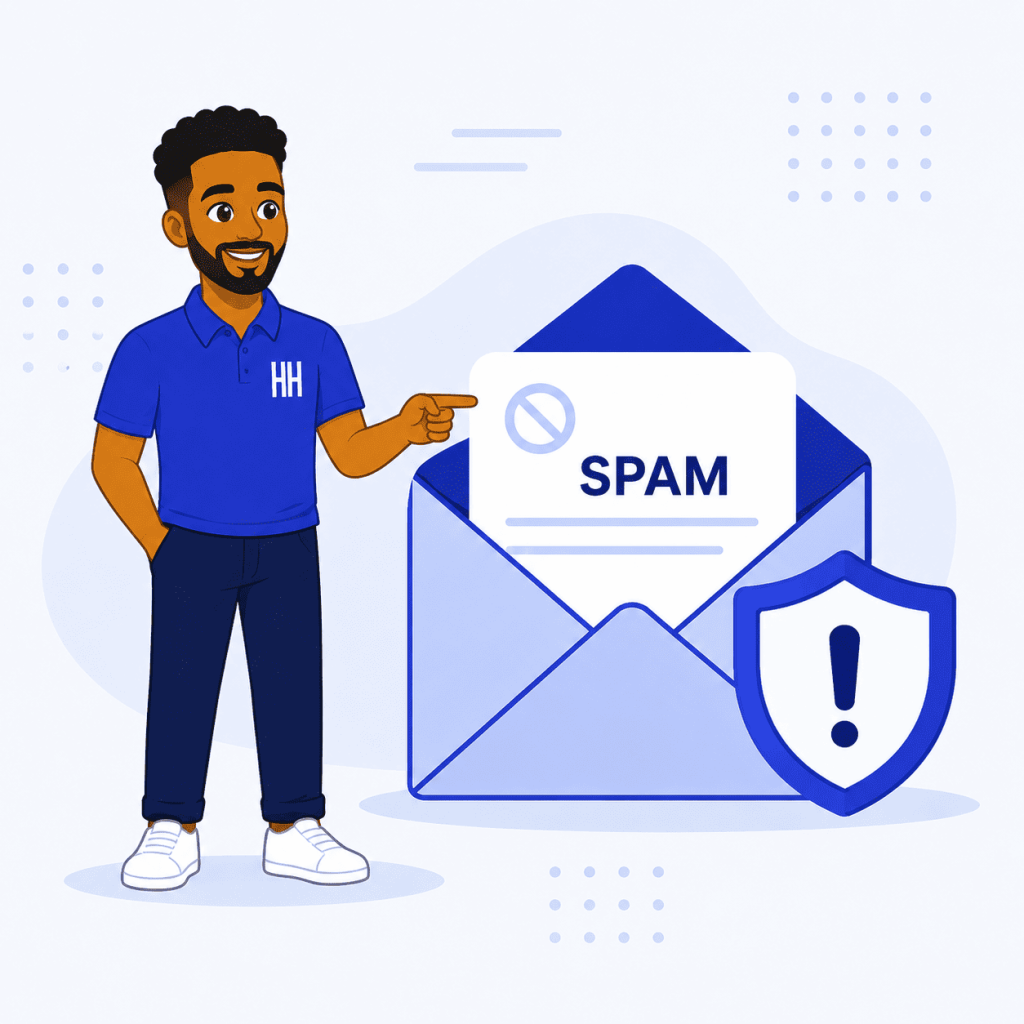
Reliable business email hosting with proper spam filtering and authentication settings configured correctly removes a significant portion of phishing risk before it ever reaches an inbox.
HoganHost’s web hosting plans include business email hosting with built-in security protections, giving Nigerian businesses a safer starting point for the accounts their teams rely on every day.
Phishing attacks succeed by exploiting trust and urgency. A team that knows to slow down and verify, combined with the right technical protections in place, closes most of the gaps attackers rely on.