You’re about to launch your own hosting brand, and the plan selector is asking you to pick a number you’ve never had to think about before. Twenty-five accounts? Fifty? A hundred? Guess wrong, and you’re either paying for space you don’t need or upgrading again within a month.
Here’s how to actually think through that number instead of guessing.
Start by Counting Real, Confirmed Clients
Not hopeful leads. Not “people who said they’d probably sign up.” Actual clients who are ready to move today, plus a realistic estimate of how many you’ll bring on in your first few months.
If you’re starting with three real clients and a decent pipeline, planning for 25 accounts gives you comfortable breathing room without paying for capacity you won’t touch for a year.
Why the “Just Start Big” Advice Often Backfires
It’s tempting to jump straight to the largest plan just in case. In practice, this usually means paying for unused capacity for months while you’re still building your client base.
Most reseller plans let you upgrade instantly whenever you actually need more room. There’s rarely a real penalty for starting smaller and growing into a bigger plan later.
When One Shared Hosting Client Becomes a Reseller Business
If you’re currently a freelancer or small agency putting client sites on separate individual hosting accounts, there’s a point where that stops making financial sense.
Once you’re managing more than two or three client websites, a reseller plan with a shared pool of cPanel accounts typically becomes more cost-effective than paying for separate hosting accounts one at a time, on top of being far easier to manage from a single WHM dashboard.
What Actually Changes as You Scale Up
A small starting tier, often somewhere in the 25 to 50 account range, usually includes:
- A shared pool of disk space and bandwidth across all your client accounts
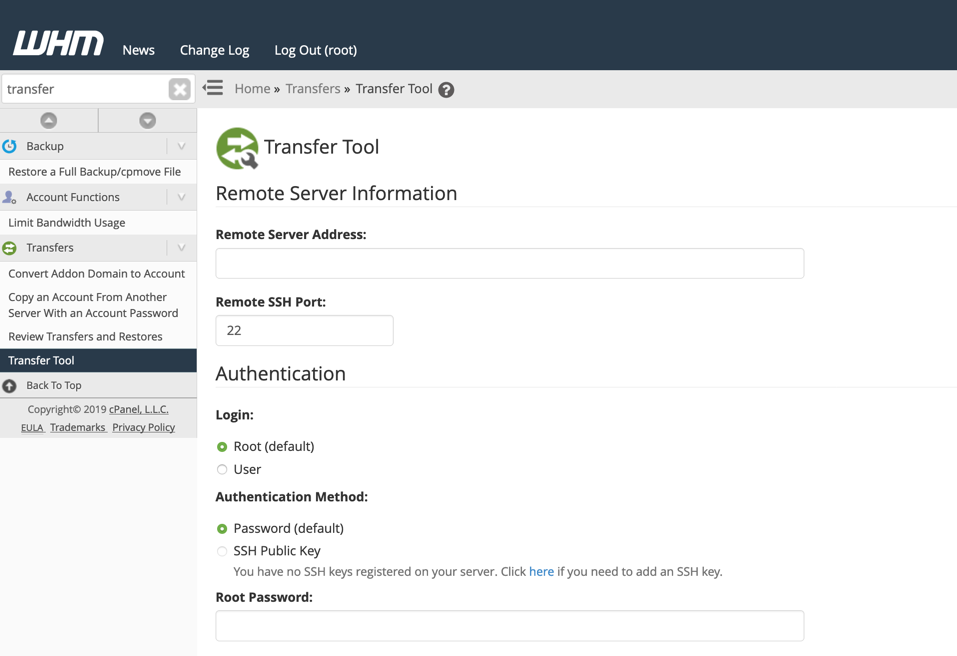
- One WHM account to manage everything from a single dashboard
- Private nameservers so your hosting brand looks fully professional
- Free SSL certificates you can offer to every client account
As you grow past that range, higher tiers typically add more disk space, more allowed accounts, and sometimes WHMCS support for automated billing, which becomes genuinely useful once manual invoicing starts eating real time.
Don’t Forget: cPanel Licensing Has Its Own Limits Too.
Separate from your hosting provider’s account cap, cPanel’s own licensing tiers are based on account count. This mostly matters if you’re managing your own VPS or dedicated server directly rather than going through a reseller plan, since reseller hosting typically bundles the license in already, capping you by account count rather than charging per account.
If you ever move from reseller hosting to your own VPS or dedicated server to scale further, factor this licensing structure into your cost planning from day one.
A Simple Way to Decide
- Count your current confirmed clients.
- Add a realistic six-month growth estimate, not a hopeful one.
- Pick the smallest plan that comfortably covers that combined number.
- Plan to upgrade the moment you’re consistently within a few accounts of your limit, not after you’ve already hit it.
Growing Without the Guesswork
The right starting point isn’t about picking the biggest number available. It’s about matching your plan to where your business actually is right now, with room to grow without overpaying today.
HoganHost’s reseller hosting plans come with flexible cPanel account tiers, private nameservers, and full WHM access, making it easy to start small and scale up the moment your client list actually calls for it.
![How to Install cPanel on CentOS 7 [step-by-step 2021guide]](https://hoganhost.com.ng/blog/wp-content/uploads/2021/01/Install-cPanel-1024x536-1.png)