Owning a WordPress website and actually knowing how to manage it are two very different things. Many business owners pay a developer for every small update simply because nobody ever walked them through the basics. Here are the simple steps to genuinely learn WordPress management yourself.
Step 1: Get Comfortable With The Dashboard First
Before touching any settings, spend time simply exploring your WordPress dashboard. Click through each main menu item, Posts, Pages, Media, Appearance, Plugins, Users, and Settings, just to see what lives where. This orientation alone removes much of the initial intimidation, since most of WordPress management involves navigating this same handful of areas repeatedly.
Step 2: Learn To Update Content Confidently
The most common, everyday task is updating existing content. Practice this until it feels routine.
- Edit an existing page’s text and understand how to save versus publish your changes.
- Add and format a new blog post, including headings, images, and links.
- Learn to use the media library properly, uploading, organizing, and inserting images into your content.
Step 3: Understand Plugins Before Installing Anything New
Plugins extend what WordPress can do, but installing them without understanding their purpose can create clutter or conflicts. Learn to:
- Check whether a plugin is actively maintained before installing it, looking at its last update date.
- Understand what each currently installed plugin on your site actually does, rather than leaving unfamiliar plugins active indefinitely.
- Deactivate and delete plugins you are not using, since inactive plugins still represent both an update burden and a potential security risk.
Step 4: Learn Basic Theme Customization
Most themes include a built-in customizer, accessible through Appearance, allowing you to adjust colors, fonts, logos, and layout options without touching any code. Spend time exploring your specific theme’s customization options, since this alone lets you make meaningful visual updates independently.
Step 5: Understand Updates And Why They Matter
Learn the difference between updating WordPress core, your theme, and your plugins, and understand why staying current matters for both security and performance. Practice the safe update process, backing up first, updating one component at a time, and checking your site afterward, until it becomes a comfortable, routine habit rather than something you avoid out of fear.
Step 6: Learn To Manage Users And Permissions
If more than one person accesses your site, understand WordPress’s different user roles: Administrator, Editor, Author, and Contributor, each with different levels of access. Assign the appropriate role to each person rather than giving everyone full administrator access by default, which reduces both accidental mistakes and security risk.
Step 7: Get Familiar With Basic Backup And Restore
Learn where your hosting provider’s backup tools live and how to trigger a manual backup before making a significant change. Understanding this single process removes much of the anxiety around experimenting with your site, since you know a safety net exists if something goes wrong.
Step 8: Learn To Read And Interpret Basic Error Messages
When something breaks, WordPress and your hosting environment often provide clues about what happened, whether through an on-screen error or a log file. Practice reading these messages carefully rather than panicking immediately, since the specific wording frequently points directly to the actual cause: a missing file, a plugin conflict, or a memory limit issue.
Step 9: Practice On A Staging Site If Available
If your hosting plan includes a staging environment, use it to practice significant changes, theme updates, new plugin installations, or major content restructuring, without any risk to your live, public website. This is one of the safest ways to build genuine confidence with WordPress management.
Step 10: Build A Simple Routine Maintenance Checklist
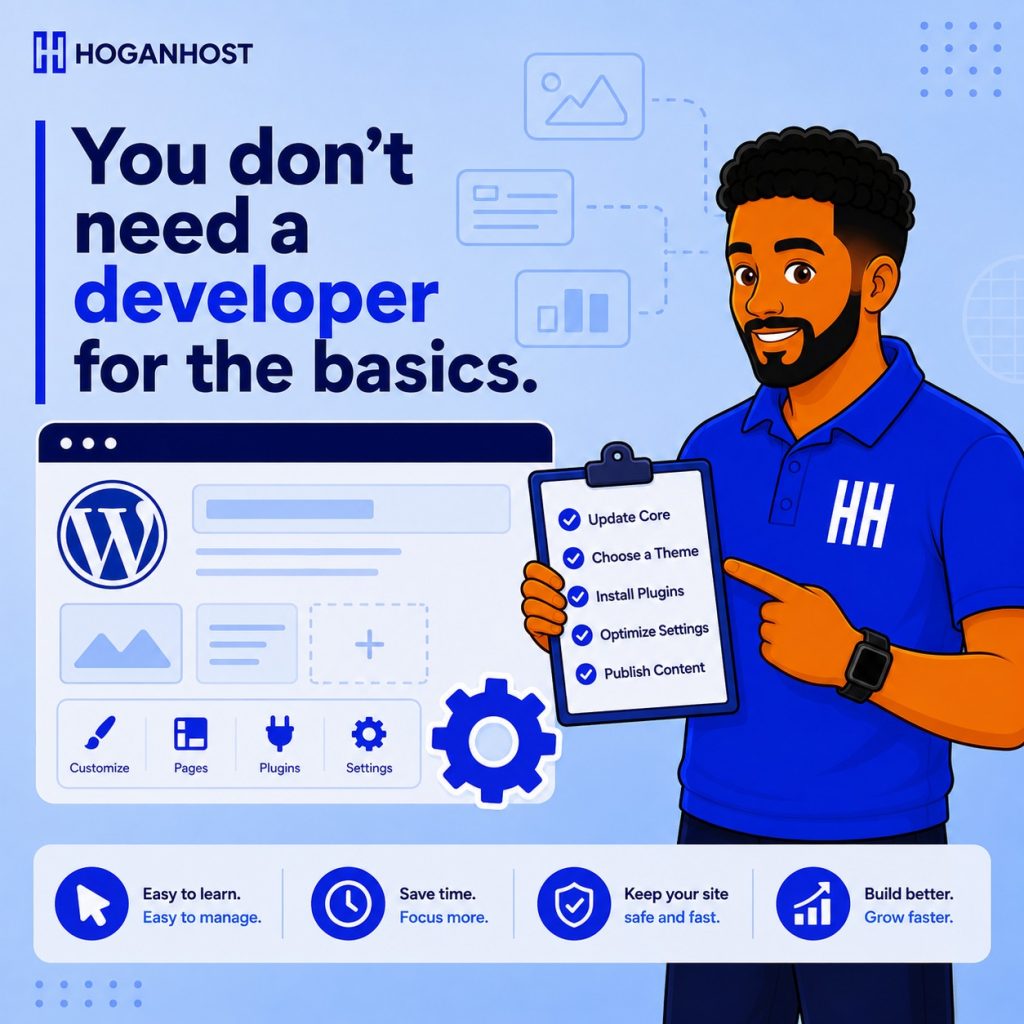
Once you understand the individual pieces, combine them into a simple, repeatable routine, checking for updates weekly, reviewing your backup status monthly, and auditing installed plugins periodically. A consistent routine turns WordPress management from an occasional source of anxiety into a normal, manageable part of running your business.
Common Mistakes Beginners Make
- Installing plugins without understanding what they actually do, leading to unnecessary clutter and potential conflicts.
- Avoiding updates entirely out of fear, leaving known security vulnerabilities unpatched.
- Giving every team member full administrator access, increasing both risk and the chance of accidental mistakes.
- Never practicing on a staging site, making every change feel higher stakes than it needs to be.
Learning to manage your own WordPress website is genuinely achievable without a technical background. Start with the basics, practice consistently, and build your confidence gradually through hands-on experience rather than trying to master everything at once.
Want hosting that makes WordPress management genuinely simple, with staging and backup tools included? Get WordPress-ready hosting from HoganHost and start managing your own site with confidence.