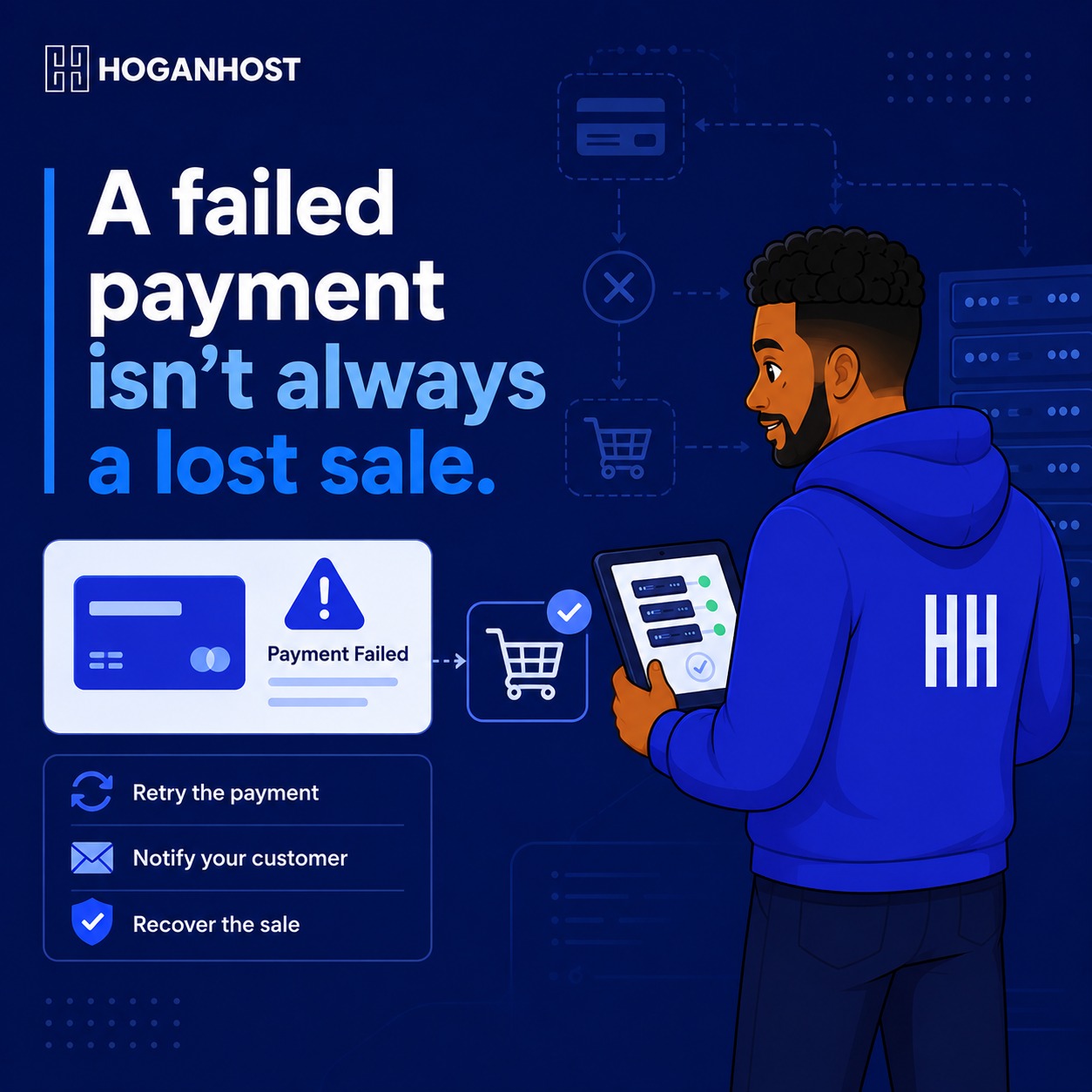
A customer adds a product to their cart, gets to checkout, and the payment fails. Some of these customers try again. Many simply leave. Here is how to actually reduce failed transactions and recover the sales that do fail.
Step 1: Understand Why Transactions Actually Fail
Failed transactions happen for a mix of reasons, and understanding the split helps you know what is actually within your control.
- Bank-side issues, such as insufficient funds, network problems, or a bank’s own fraud detection blocking a legitimate transaction
- Card-specific issues, like an expired card, incorrect details entered, or a card not enabled for online transactions.
- Gateway or technical issues, including a temporary outage or a misconfigured integration on your own website
- Customer hesitation, where a customer abandons the process partway through rather than the payment technically failing
Not every failed transaction is preventable, but a meaningful share of them are, once you identify the specific pattern behind your own store’s failures.
Step 2: Check Your Payment Gateway Dashboard For Patterns
Most gateways, including Paystack and Flutterwave, provide detailed transaction logs showing the specific reason each failed payment was declined. Review this data regularly rather than treating every failure as a mystery.
- If a specific bank shows a disproportionate number of failures, this may point to a bank-side issue outside your control.
- If failures cluster around a specific time of day, this can indicate network congestion during peak periods.
- If a large share of failures happen at the exact same step in your checkout, this often points to a technical issue with your integration rather than the customer’s payment method.
Step 3: Offer More Than One Payment Method
Relying on a single payment method significantly increases your exposure to failed transactions. If a customer’s card payment fails, having bank transfer or USSD available as an alternative on the same checkout page gives them an immediate second option rather than forcing them to abandon the purchase entirely.
Step 4: Consider A Second Payment Gateway As A Backup
Even well-established gateways experience occasional downtime or processing issues. Running a second gateway alongside your primary one, either as a manual fallback or an automatic failover, means a temporary issue with one provider does not have to cost you the sale entirely.
Step 5: Make Retry Easy And Obvious
When a transaction fails, your checkout page should clearly communicate what happened and make it simple to try again, ideally without forcing the customer to re-enter their entire order from scratch. A confusing or dead-end failure message is one of the fastest ways to turn a temporary payment issue into a permanently lost sale.
Step 6: Follow Up On Abandoned And Failed Transactions
Not every failed transaction needs to be a lost sale. If you have the customer’s contact information, whether from an account creation step or a captured email during checkout, a simple, polite follow-up message can recover a meaningful share of these lost sales.
- Send a short message noting that their payment did not go through and offering an alternative payment method.
- Keep the tone helpful and non-pushy, since a genuine technical issue is common and customers generally respond well to a straightforward, useful follow-up.
- Include a direct link back to complete their purchase, removing friction from the recovery process.
Step 7: Reduce Technical Failures On Your Own End
Some failed transactions are caused by issues within your own store’s setup rather than the customer’s bank or card.
- Confirm your hosting keeps your checkout page loading quickly and reliably, since a slow or timing-out page during payment processing can itself cause a transaction to fail.
- Keep your payment gateway plugin updated to its latest version, since outdated integrations occasionally develop compatibility issues.
- Regularly test your own checkout flow yourself, catching integration issues before real customers encounter them.
Step 8: Set Clear Internal Processes For Handling Disputes
Occasionally, a customer will report being charged despite seeing a failed transaction message, often due to a delay between the bank processing the charge and your gateway reflecting the update. Have a clear, calm process for checking your gateway dashboard to confirm the actual transaction status before responding, rather than assuming either the customer or your system is automatically correct.
Common Mistakes To Avoid
- Never reviewing your gateway’s failure logs, missing patterns that could be fixed on your end.
- Offering only one payment method, unnecessarily narrowing your customers’ options when a payment fails.
- Providing a confusing or unclear failure message, leaving customers unsure whether to retry, contact you, or simply give up.
- Never following up on failed transactions, leaving recoverable sales unclaimed.
Failed transactions are a normal part of running an online store, not a sign something is fundamentally broken. Understanding why they happen, offering genuine alternatives, and following up thoughtfully turns a real share of these failures back into completed sales.
Want hosting that keeps your checkout fast and reliable, reducing technical failures on your end? Get ecommerce-ready hosting from HoganHost and give your store a checkout customers can actually complete.