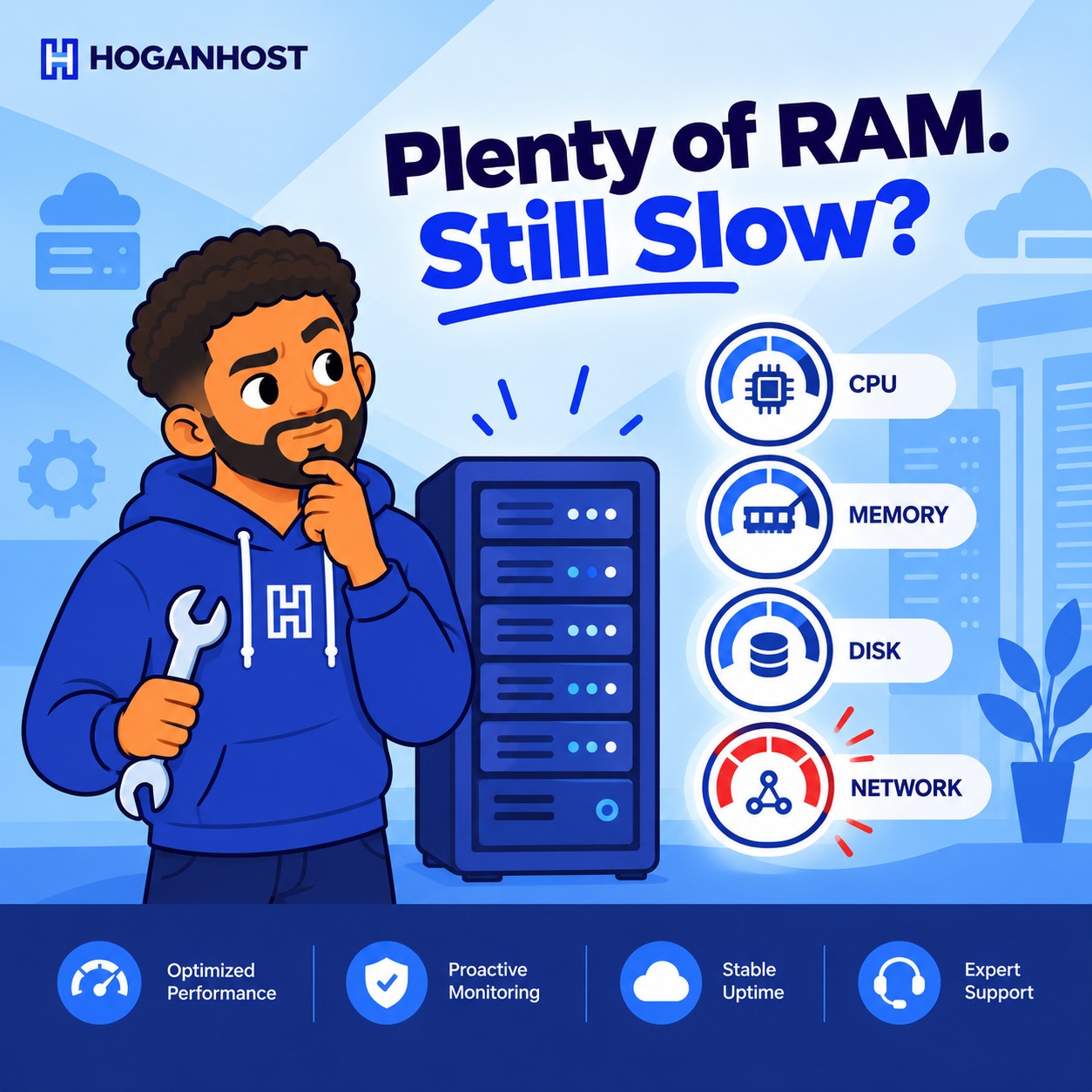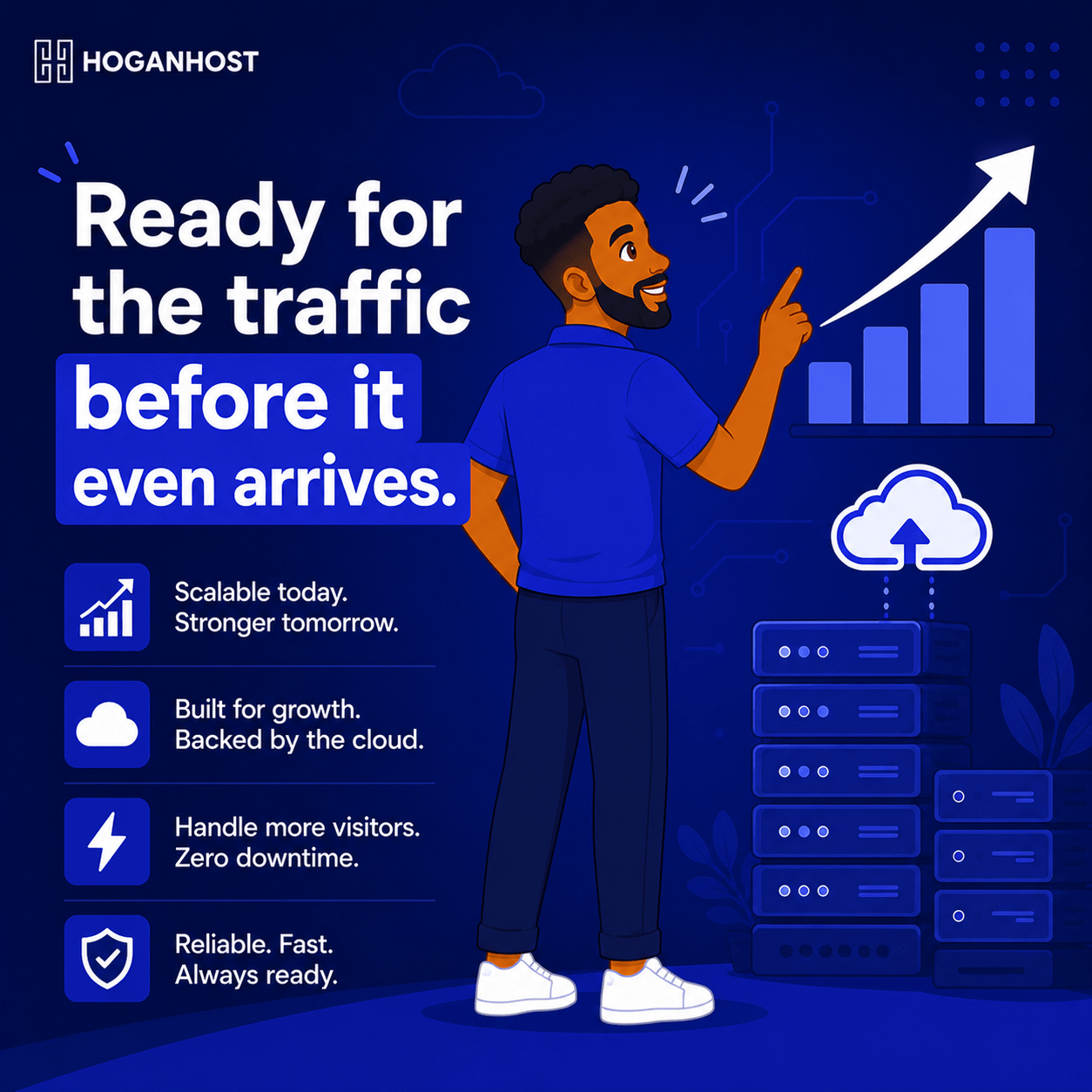
You have a big sale coming. Ads are booked, your email list is warmed up, and everything is set to send traffic to your website all at once. The one thing left to sort out is whether your infrastructure can actually handle it.
Here is everything you need to know to scale your server resources properly before, during, and after a sales campaign.
Why Sales Campaigns Break Websites That Work Fine Normally
Most hosting setups are sized for your average, everyday traffic, not the concentrated surge a successful campaign generates. When hundreds or thousands of visitors arrive within a short window, your server suddenly needs far more CPU, memory, and database capacity than it typically uses, and if that capacity is not available, pages slow down, checkouts fail, and sales are lost at the exact moment you worked hardest to earn them.
Step 1: Estimate Your Expected Traffic Honestly
Before scaling anything, estimate how much traffic your campaign will actually generate, based on your ad spend, your email list size, and any past campaign performance you can reference. Overestimating slightly is safer than underestimating, since the cost of extra capacity for a few days is far smaller than the cost of lost sales during an outage.
Step 2: Understand Why Cloud Infrastructure Handles This Better
Traditional fixed-resource hosting locks you into a set amount of CPU and RAM regardless of what a given day actually demands. Cloud hosting, by contrast, is built specifically to scale resources up or down on demand, letting you provision significantly more power specifically for your campaign window, then scale back down once traffic normalizes, so you are not paying for peak capacity year-round.
If your business runs periodic sales campaigns, scalable cloud and server infrastructure is worth having in place before you need it, rather than scrambling to upgrade mid-crisis.
Step 3: Scale Ahead Of The Campaign, Not During It
Do not wait until traffic is already climbing to start scaling resources. Increase your server’s CPU, RAM, or instance size a day or two before your campaign launches, giving your infrastructure headroom from the very first visitor rather than playing catch-up once things are already under strain.
Step 4: Optimize Your Database Before The Surge Arrives
Database queries are frequently the actual point of failure during a traffic spike, even when your overall server resources look fine on paper. Before your campaign:
- Add proper indexes to your most frequently queried tables, particularly product and order tables on an e-commerce site.
- Reduce unnecessary plugin activity that fires repeated database queries on every single page load.
- Consider a dedicated database caching layer if your platform supports it, reducing direct load on the database itself.
Step 5: Enable Aggressive Caching For The Campaign Period
Caching serves a ready-made version of your pages rather than rebuilding them from scratch for every visitor, dramatically reducing the load a traffic spike places on your server.
- Enable full page caching for anonymous visitors, since most campaign traffic is new visitors rather than logged-in, repeat customers.
- Use a content delivery network to serve images and static files from locations closer to your visitors, taking that load off your main server entirely.
Step 6: Set Up Real-Time Monitoring For The Campaign Window
During your actual campaign, keep a close eye on resource usage in real time rather than checking occasionally. Most cloud hosting dashboards provide live usage graphs and can send alerts if resource consumption climbs toward a concerning threshold, giving you the chance to scale further before a slowdown turns into an outage.
Step 7: Have A Rollback And Scale-Down Plan For After The Campaign
Once your campaign ends and traffic normalizes, scale your resources back down to avoid paying for capacity you no longer need day-to-day. Cloud infrastructure makes this straightforward, since resources can typically be adjusted down just as easily as they were scaled up.
Step 8: Prepare A Fallback for Worst-Case Scenarios
Even careful planning can occasionally meet an unexpectedly large surge. Have a simple fallback ready, such as a lightweight “high traffic” page that loads even if your full site briefly cannot, so visitors see something professional rather than a blank error during your busiest, most visible moment.
Common Mistakes That Undermine Campaign Readiness
- Waiting until traffic is already climbing to scale resources, rather than provisioning ahead of the launch.
- Ignoring database optimization, assuming more CPU and RAM alone will solve every bottleneck.
- Forgetting to scale back down afterward, paying for peak capacity long after the campaign has ended.
- Running a major campaign on infrastructure that has never been tested under real load before.
A sales campaign succeeding is supposed to be the good problem. With cloud infrastructure that scales on demand and a bit of advance preparation, that success stays a celebration instead of turning into your busiest support day of the year.
Planning a big sales push and want infrastructure that scales with it? Explore HoganHost’s scalable cloud and server solutions built to handle demand spikes without missing a beat.