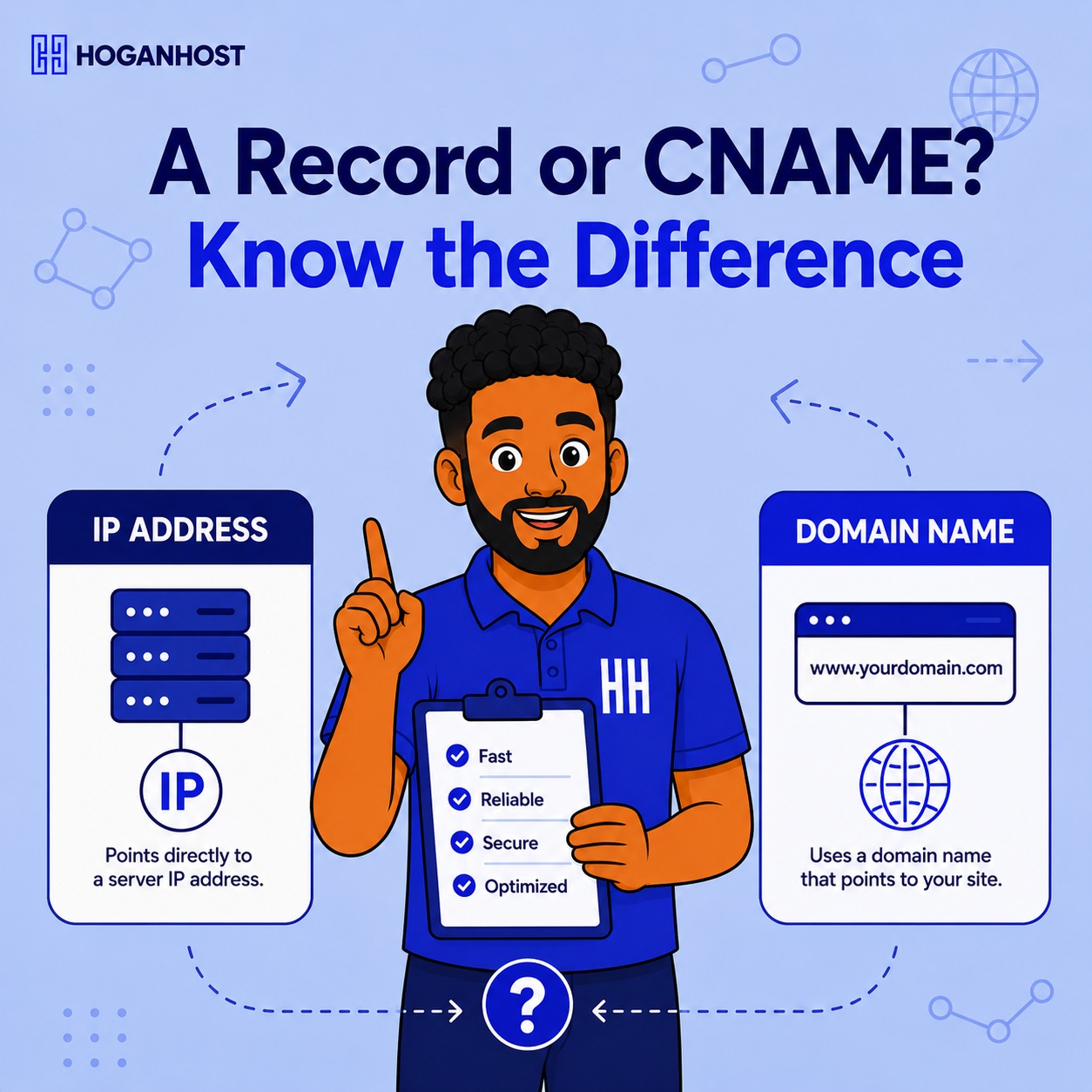
DNS management panels throw around terms like A record and CNAME as if everyone already knows what they mean, which leaves plenty of business owners clicking through settings hoping they picked the right option. The two record types look similar in a settings panel but serve genuinely different purposes.
Understanding the difference prevents a surprising number of common website and email configuration mistakes. Here is what actually separates them.
What an A Record Does
An A record, short for Address record, points a domain or subdomain directly to a specific IP address, the actual numerical address of a server on the internet. When someone types your domain into a browser, the A record tells their computer exactly which physical server to connect to.
A typical A record setup connects your root domain, such as yourbusiness.com.ng, directly to your hosting server’s IP address. This is usually the very first DNS record configured when a website launches.
What a CNAME Record Does
A CNAME record, short for Canonical Name, points a domain or subdomain to another domain name instead of directly to an IP address. It essentially says “this name is really just another name for that other domain,” and whatever that other domain resolves to is where the CNAME ultimately leads as well.
CNAMEs are commonly used for subdomains connecting to third-party services, such as pointing blog.yourbusiness.com.ng to a blogging platform’s own domain, without needing to know or manage that platform’s actual IP address directly.
The Key Practical Differences
Target type is the core distinction. An A record points to an IP address. A CNAME points to another domain name, which then resolves to wherever that domain currently points.
Root domain restrictions matter here too. Most DNS systems do not allow a CNAME record on the root domain itself, technically represented as the “@” record, due to underlying DNS protocol rules. Root domains almost always require an A record instead.
Chain resolution is a subtle but important difference. A CNAME requires an additional lookup step, since the system first checks the CNAME’s target domain, then resolves that domain to its own eventual IP address. An A record resolves directly in a single step, which is marginally faster, though the difference is generally negligible for most everyday purposes.
Flexibility during changes favors CNAME in certain situations. If the service behind a CNAME record changes its underlying IP address, the CNAME continues working automatically without any update needed, since it points to the domain name rather than a specific address. An A record would need manual updating if the target server’s IP address changes.
When to Use Each One
Use an A record for your main domain pointing directly to your hosting server, and generally whenever you have a specific IP address that a domain or subdomain needs to point to directly.
Use a CNAME when a third-party service specifically instructs you to, typically for subdomains connecting to email marketing platforms, page builders, content delivery networks, or similar external services that manage their own underlying infrastructure.
A Common Point of Confusion
Some business owners assume www and the root domain are automatically the same thing in DNS terms, but they need to be configured separately. Commonly, the root domain uses an A record, while the www version uses a CNAME pointing back to the root domain, which then resolves through that root domain’s own A record.
This setup means updating the root domain’s A record automatically keeps the www version correctly pointed as well, without needing a separate update.
Getting DNS Configuration Right
A single incorrectly configured record, whether an A record with a wrong IP address or a CNAME pointing to the wrong target, can quietly break a website, subdomain, or email service without an obvious explanation.
HoganHost’s FreeDNS management panel provides straightforward control over both A records and CNAME records, with support available for anyone unsure which type a specific setup actually requires.
Understanding this one distinction, direct IP address versus another domain name, resolves most of the confusion business owners run into when configuring DNS for a new website, subdomain, or third-party integration.