

In this article, you will learn how to turn off “Include databases in disk usage calculations” option in WHM.
Steps to be followed:
- Log in to WHM.
- Select the “Server Configuration” option.
- Then select the “Tweak Settings” sub-option.
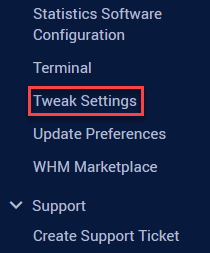
- Find the “Include databases in disk usage calculations” option, under “SQL” category.
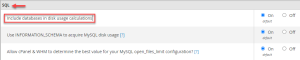
- Select the “OFF” option.

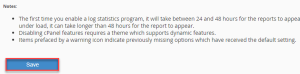
- Click on the “Save” button.
- You will get a success message as shown below.
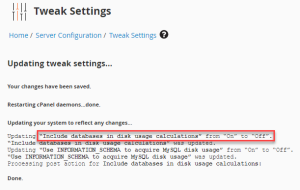
In this manner, the option can be turned off. Check our cheap and reliable web hosting