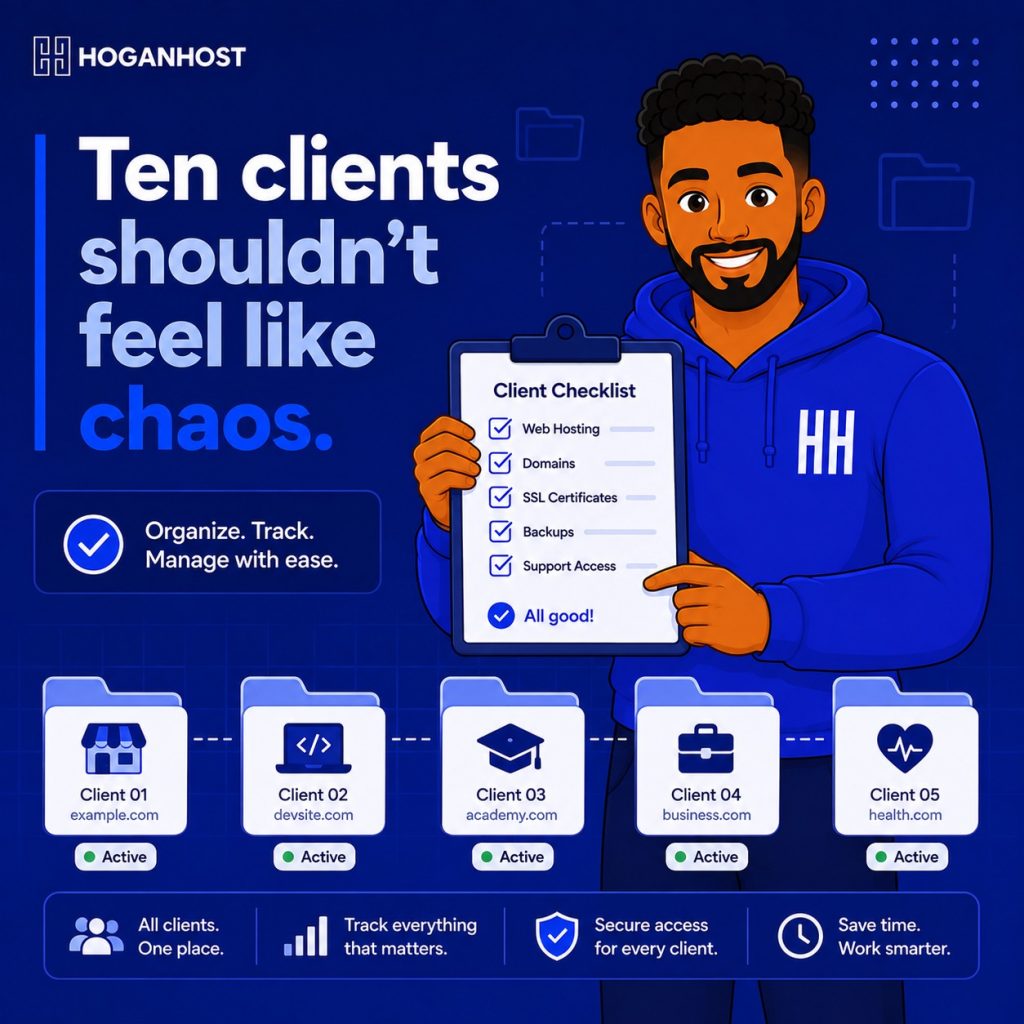
Managing two or three client hosting accounts is easy to keep track of mentally. Managing fifteen or twenty without a real system quickly turns into a confusing mess of forgotten renewals and misremembered login details. Here are the simple steps to keep multiple client cPanel accounts genuinely organized as your reseller business grows.
Step 1: Use WHM As Your Central Command Center
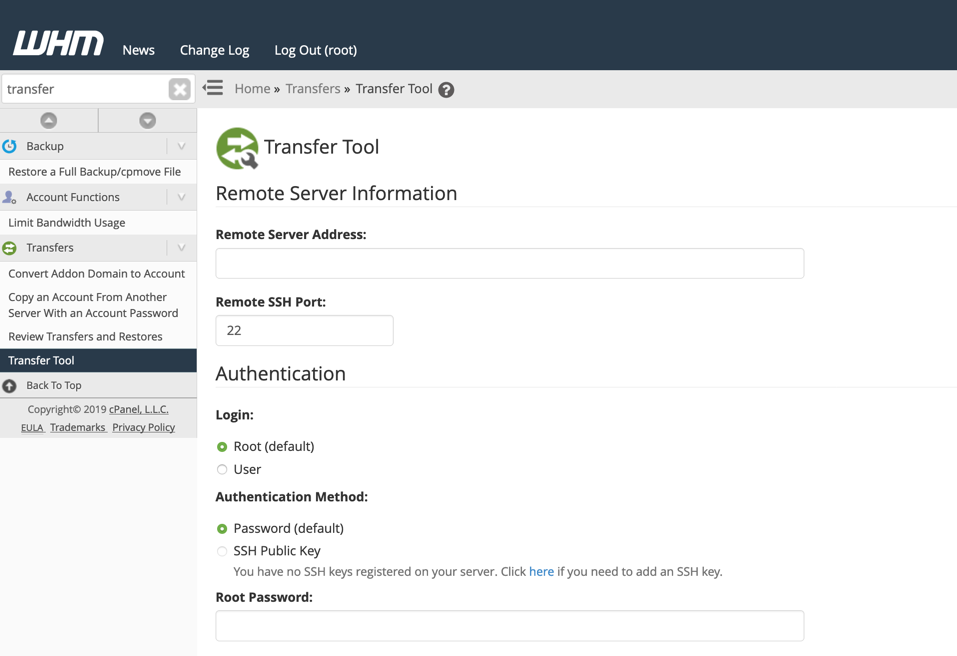
As a reseller, WHM gives you a single administrative view over every client cPanel account under your management. Get comfortable navigating this interface thoroughly, since it is where you will create, suspend, modify, and monitor every client account rather than needing to log into each individual cPanel separately for routine management tasks.
Step 2: Establish A Consistent Naming Convention
As your client list grows, a clear, consistent naming pattern for usernames and account labels saves enormous confusion later. Decide on a logical system early, whether based on the client’s business name, domain, or a simple sequential reference, and stick to it consistently for every new account you create.
Step 3: Set Up Clear Package Tiers From The Start
Rather than configuring each client account individually from scratch, define a small set of standard hosting packages with consistent resource limits and features. This makes account creation faster, keeps your offerings consistent and easy to explain to clients, and makes it far simpler to review and manage resource allocation across your entire client base at a glance.
Step 4: Use A Password Manager, Not Memory Or Spreadsheets
Storing client login credentials in your memory or an unsecured spreadsheet is both unreliable and a genuine security risk. Use a proper password manager designed for storing credentials securely, ideally one that supports organizing entries by client, making it fast to find exactly what you need without compromising security.
Step 5: Set Up Billing Automation
Manually tracking renewal dates and issuing invoices becomes genuinely unmanageable once you pass a handful of clients. Integrating WHM with a billing automation tool like WHMCS handles invoicing, renewal reminders, and even automatic account suspension for non-payment, removing this entire category of manual tracking from your daily workload.
Step 6: Monitor Resource Usage Across All Accounts Regularly
Rather than waiting for a client to report a problem, periodically review resource usage across your full client base directly through WHM. This lets you catch an account approaching its limits before it becomes a support issue, and gives you the information needed to proactively suggest an upgrade to a client whose site has genuinely outgrown their current package.
Step 7: Maintain Clear Documentation For Each Client
Keep organized records for every client account beyond just their login credentials, including their specific package details, any custom configurations, key contacts, and a brief history of significant support issues or changes. This documentation becomes invaluable when troubleshooting an issue months later, or when a different team member needs to step in and understand a client’s setup quickly.
Step 8: Set Up Consistent Backup Policies Across All Accounts
Rather than leaving backup configuration inconsistent across your growing client list, establish a standard, automated backup policy applied uniformly to every account you manage. This ensures no client is accidentally left without proper data protection simply because their account was set up during a busier period when backup configuration got overlooked.
Step 9: Create A Standard Onboarding Process
As your client count grows, a repeatable onboarding checklist, covering account creation, DNS setup, initial security configuration, and a welcome communication, ensures consistency and reduces the chance of missing an important step during the excitement of signing a new client.
Step 10: Schedule Regular Account Audits
Periodically review your full client account list for accounts that are inactive, unused, or no longer being paid for, since these represent both wasted resources on your server and, occasionally, forgotten billing issues. A quarterly or semi-annual audit keeps your client base clean and your resource allocation accurate.
Step 11: Build A Clear Escalation Process For Support Issues
As you manage more accounts, support requests will inevitably increase too. Have a clear, consistent process for triaging and resolving client issues, distinguishing between problems you can resolve directly and genuine server-level issues that need escalation to your hosting provider’s own support team.
Common Mistakes To Avoid
- Managing client accounts without any consistent naming or package structure, creating confusion as the list grows.
- Storing credentials insecurely, in plain spreadsheets or personal memory alone.
- Skipping billing automation too long, then facing a disorganized scramble once manual tracking becomes unsustainable.
- Never auditing your account list, letting unused or unpaid accounts quietly accumulate.
Managing multiple client cPanel accounts smoothly comes down to building consistent systems early: naming conventions, package tiers, secure credential storage, and billing automation, rather than trying to hold it all together through memory and improvisation as your client base grows.
Ready to scale your reseller hosting business with the tools to manage it properly? Explore HoganHost’s reseller hosting plans built to support a growing client base with confidence.
![How to Install cPanel on CentOS 7 [step-by-step 2021guide]](https://hoganhost.com.ng/blog/wp-content/uploads/2021/01/Install-cPanel-1024x536-1.png)