
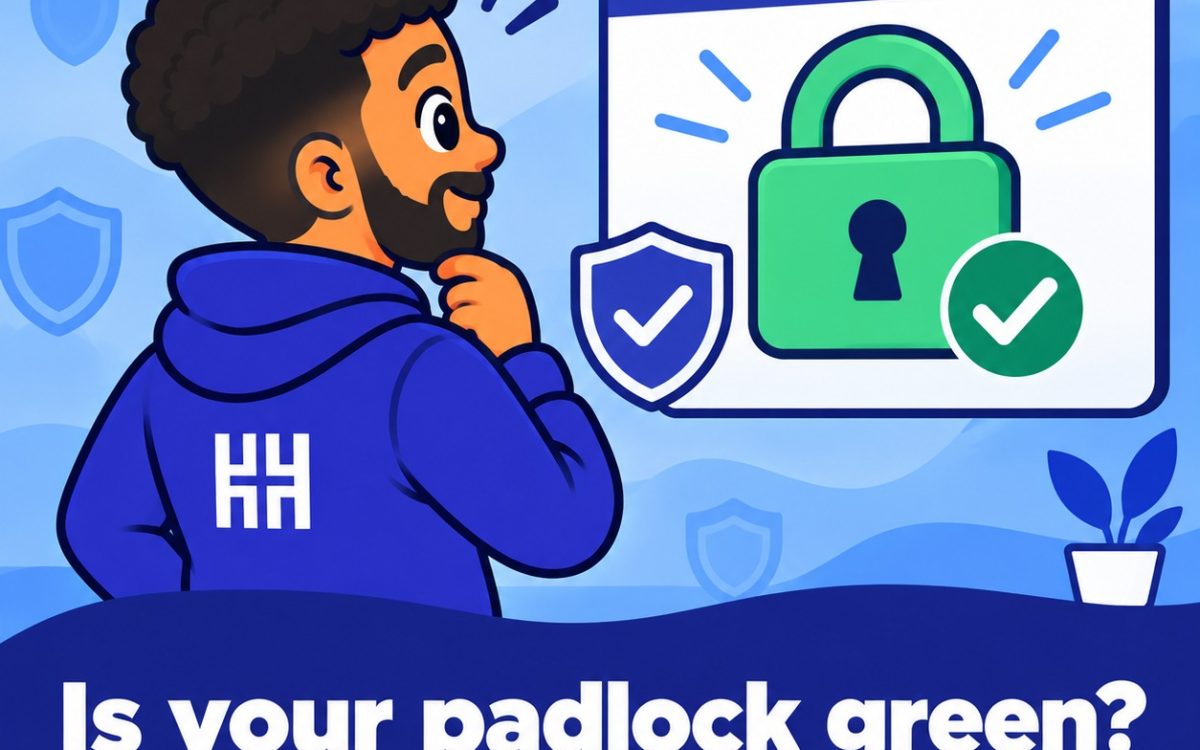
The padlock beside your web address tells visitors that their connection to your site is encrypted. An SSL certificate creates that padlock. The newer standard is called TLS, but most people still say SSL.
Without a valid certificate, browsers warn visitors that your site is not secure. Checking your status takes about a minute.
Open SSL/TLS Status
- Log in to cPanel.
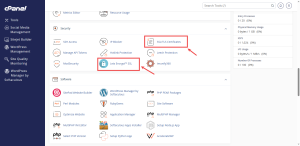
- In the Security group, click SSL/TLS Status.
Read the Status List
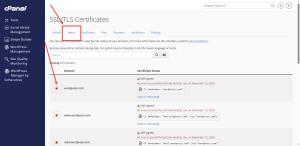
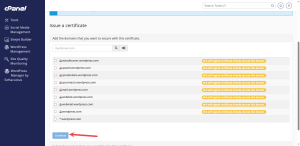
The list shows every domain and subdomain on your account, each with an icon. A green lock labeled as AutoSSL validated means the domain is covered. A crossed-out icon or a lock that is not green means no valid certificate is installed.
Understand AutoSSL
AutoSSL is cPanel’s built-in service that issues and renews free certificates automatically. Most domains on your account get one without any action from you.
AutoSSL works by checking that your domain points to the server. If the DNS records from the Zone Editor are wrong, the check fails. That is why the DNS guide comes first in this series.
Run AutoSSL for an Uncovered Domain
- Tick the box beside the domain.
- Click Run AutoSSL.
- Wait for the check to finish, then refresh the page.
Run AutoSSL checks for every available domain, so it can take a while. If you see a message saying AutoSSL is in progress, the system is already working on it. Give it time before you run it again.
Test the Padlock
Open your site in a private browser window and check the padlock. If a warning still appears, the domain may not point to HoganHost yet, or the certificate is still being issued.
Once the padlock is green, you can make every visitor use the secure version. The Day 3 tour of domain settings shows you where to do that.
Want SSL handled without the guesswork? Explore HoganHost’s SSL and security services.