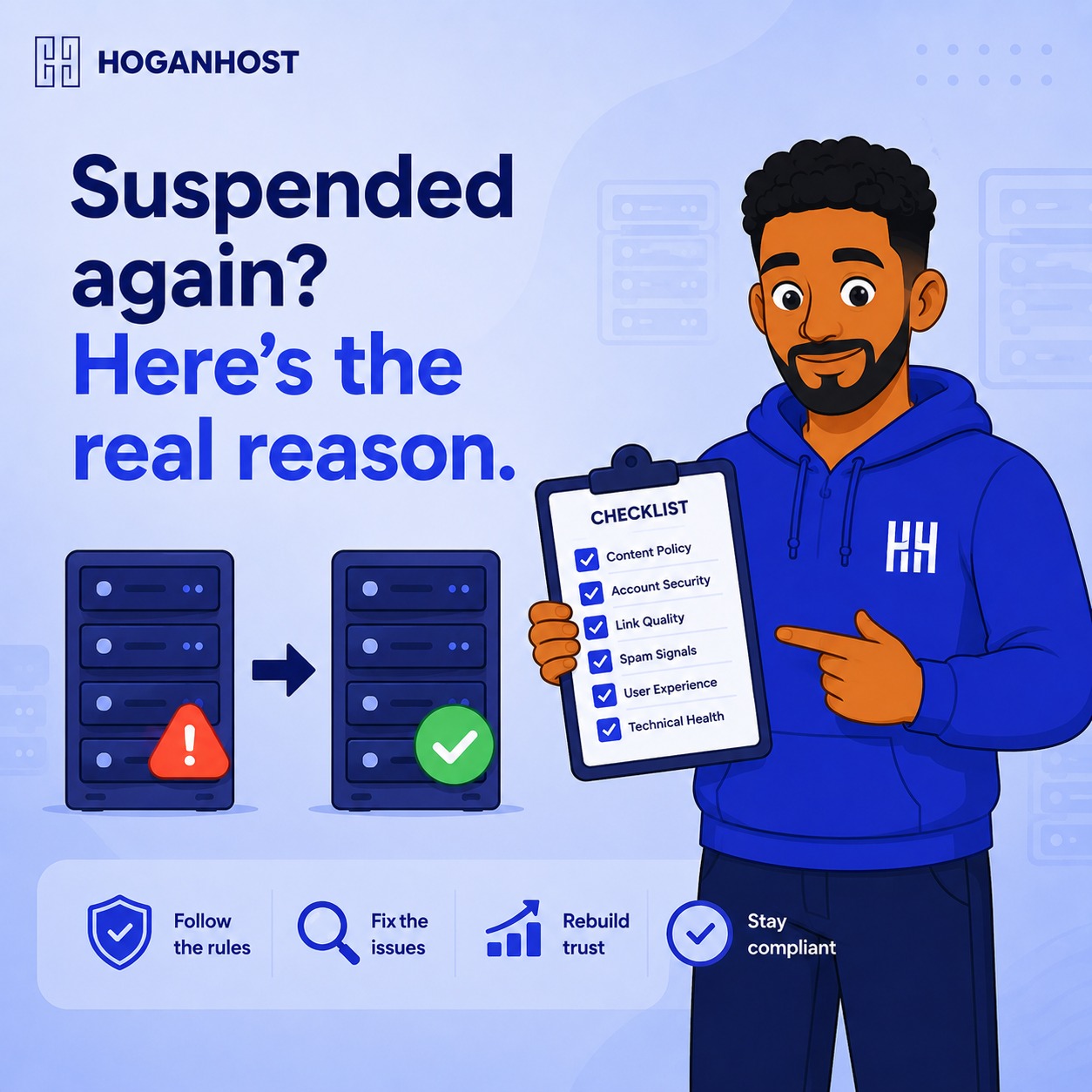
Waking up to find your hosting account suspended and your website completely offline is one of the more stressful surprises a business owner can face. The good news is that account suspensions are almost never random. They follow specific, identifiable causes, and understanding them lets you prevent this from happening again.
Step 1: Understand The Most Common Suspension Triggers
Hosting providers suspend accounts for a handful of recurring reasons, and knowing which one applies to you determines exactly how to fix it.
- Non-payment. The most common cause by far is an unpaid or failed renewal payment.
- Resource overuse. Exceeding your plan’s CPU, memory, or process limits repeatedly, which can affect other accounts sharing the same server.
- Abuse or terms of service violations. This includes sending excessive spam email, hosting malware, or running scripts that violate your provider’s acceptable use policy.
- Security compromise. If your account has been hacked and is being used to send spam or attack other websites, providers often suspend it to contain the damage while you clean it up.
Step 2: Fix Non-Payment Issues Permanently
If missed renewal payments are your recurring issue, the fix is straightforward but requires a genuine change in habit.
- Set a calendar reminder well ahead of your renewal date, not on the exact day itself.
- Confirm your payment method on file is current, since an expired card is one of the most common reasons an automatic renewal quietly fails.
- Consider enabling auto-renewal if your provider offers it, removing the manual step entirely.
- Keep your contact email up to date, so renewal reminders and payment failure notices actually reach you in time.
Step 3: Address Resource Overuse Properly
If your account keeps getting suspended for exceeding resource limits, cleaning up occasionally is only a temporary fix. Look at the underlying cause.
- Check your hosting control panel’s resource usage section to identify exactly what is consuming CPU or memory.
- Clean up bloated databases, inactive plugins, and unnecessary background processes
- If your traffic and usage have genuinely grown since you first signed up, this is a clear sign you have outgrown your current plan, and upgrading resolves the recurring suspension cycle rather than fighting it every few weeks.
Step 4: Clean Up Anything Triggering An Abuse Flag
If your account was suspended for a terms of service violation, address the specific cause directly rather than assuming it was a mistake.
- Remove any scripts or plugins capable of sending bulk, unsolicited email.
- Scan your website for malware if you suspect a compromise, since infected files are a common unintentional cause of abuse-related suspensions.
- Review your own email sending habits if you use your hosting account’s mail service for marketing, since providers often have specific volume and consent requirements to prevent your account being flagged as a spam source.
Step 5: Secure Your Account If Compromise Is The Cause
A hacked account being used to send spam or host malicious content is a serious, recurring risk if the underlying vulnerability is never actually fixed.
- Change all your account passwords immediately, including cPanel, FTP, and any application-level admin logins.
- Update your website’s core software, themes, and plugins to their latest versions, since outdated software is the most common entry point for compromise.
- Scan your website thoroughly for malicious files before requesting your account be reinstated, since simply asking to be unsuspended without fixing the underlying issue often leads to a repeat suspension shortly after
Step 6: Communicate With Your Hosting Provider Directly
If you are unsure exactly why your account was suspended, contact your provider’s support team directly rather than guessing. Most providers can tell you the specific reason and exactly what needs fixing before reinstatement, which saves you from addressing the wrong problem entirely.
Step 7: Build Habits That Prevent Repeat Suspensions
- Review your resource usage occasionally, rather than only after you have already been suspended.
- Keep your website software updated on a regular schedule, not only when something breaks.
- Maintain accurate billing information and enable renewal reminders well ahead of time.
- Periodically audit installed plugins and scripts, removing anything unused that could pose a security or abuse risk.
Common Mistakes That Lead To Repeat Suspensions
- Fixing the immediate symptom without addressing the underlying cause, leading to the same suspension recurring within weeks.
- Ignoring renewal reminders, assuming auto-renewal is active when it is not properly set up.
- Never updating website software, leaving known vulnerabilities open that eventually lead to compromise.
- Staying on an outgrown hosting plan instead of upgrading once resource limits are being hit consistently.
A hosting suspension is almost always traceable to a specific, fixable cause. Identify yours, address it properly rather than superficially, and build the habits that keep it from happening again.
If resource limits or growing traffic keep triggering suspensions, it might be time for more room. Compare HoganHost’s hosting plans and find one that actually matches how your business has grown.