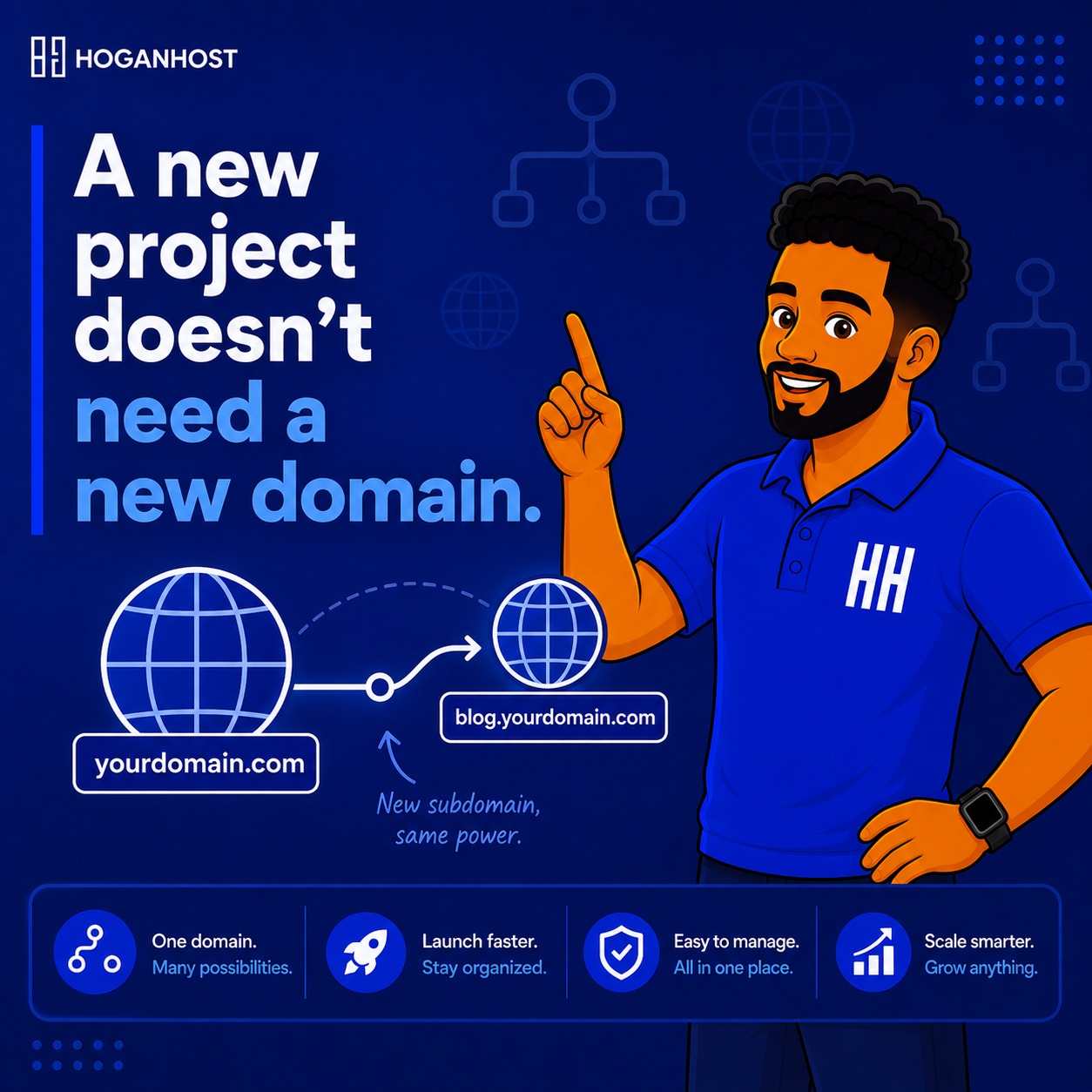
Launching a new project- a blog, a store, a staging environment- does not require buying an entirely new domain. A subdomain gives you a genuinely separate section of your website, using your existing domain, at no additional registration cost. Here are smart ways to set one up properly.
Understand What A Subdomain Actually Is
A subdomain is a prefix added before your main domain, such as blog.yourbusiness.com.ng or shop.yourbusiness.com.ng, functioning as its own distinct section, with its own content, and sometimes even its own separate hosting setup, while still living under your existing, established domain name.
Smart Approach 1: Choose A Clear, Purposeful Subdomain Name
Pick a subdomain name that clearly communicates its purpose, blog, shop, app, or staging, rather than something vague or unnecessarily creative. Visitors and search engines alike benefit from an immediately obvious subdomain name, and a clear naming convention also makes managing multiple subdomains considerably easier as your project list grows.
Smart Approach 2: Decide Whether You Actually Need A Subdomain Or A Subfolder
Before creating a subdomain, consider whether a subfolder, like yourbusiness.com.ng/blog, might actually serve your purpose better. Subfolders generally inherit more of your main domain’s existing search authority and trust more directly than a subdomain does, since search engines have historically treated subdomains as more distinct entities in some contexts. For projects closely tied to your main brand’s content and audience, a subfolder is often the smarter default choice, reserving true subdomains for genuinely distinct applications or environments.
Smart Approach 3: Create The Subdomain Through Your Hosting Control Panel
Most hosting control panels include a straightforward subdomain creation tool.
- Log in to your cPanel dashboard.
- Locate the Subdomains section, typically under the Domains category.
- Enter your desired subdomain name and confirm the associated document root, the specific folder where this subdomain’s files will live.
- Create the subdomain, which automatically generates the necessary DNS record behind the scenes.
Smart Approach 4: Understand That DNS Handles This Automatically In Most Cases
When you create a subdomain through your hosting control panel on the same account as your main domain, the necessary DNS record is typically created automatically without requiring manual DNS configuration. If you are pointing a subdomain to a different, separate hosting location than your main domain, you will need to manually add a specific DNS record, usually a CNAME or A record, pointing that subdomain to its intended destination.
Smart Approach 5: Use Subdomains For Genuinely Separate Environments
Subdomains work particularly well for situations that genuinely benefit from separation from your main site, such as:
- A staging or development environment, like staging.yourbusiness.com.ng, for testing changes safely before applying them to your live site
- A distinct application, like app.yourbusiness.com.ng, running separate software from your main website
- A separate, specialized section, like an ecommerce store or a members-only portal, that benefits from being technically distinct from your main content
Smart Approach 6: Secure Every Subdomain With Its Own SSL Certificate
Each subdomain needs its own valid SSL coverage to load securely over HTTPS. Many modern SSL solutions, including Let’s Encrypt through AutoSSL, can automatically cover new subdomains as part of your existing certificate configuration, but confirm this is actually happening rather than assuming it by default, since an uncovered subdomain will show the same “Not Secure” warning as any unprotected domain.
Smart Approach 7: Keep Staging Subdomains Password Protected
If you create a subdomain specifically for staging or development purposes, add password protection to prevent it from being publicly accessible or, worse, accidentally indexed by search engines as duplicate content. Most hosting control panels include a simple directory password protection tool for exactly this purpose.
Smart Approach 8: Plan Your Subdomain Structure Before You Need Many Of Them
If you anticipate needing multiple subdomains over time, plan a consistent naming and organizational structure early, rather than creating them ad hoc as needs arise. A thoughtful, consistent structure keeps your growing collection of subdomains easy to manage and understand, both for you and anyone else working on your systems.
Common Mistakes To Avoid
- Creating a subdomain when a subfolder would have better preserved your main site’s existing search authority.
- Forgetting to secure a new subdomain with SSL, leaving it showing a security warning.
- Leaving a staging subdomain publicly accessible without password protection.
- Choosing vague or inconsistent subdomain names, making your growing project list harder to manage over time.
Creating a subdomain is a quick, genuinely useful way to launch a new project without the cost or complexity of registering an entirely separate domain, provided you set it up thoughtfully with proper security and a clear naming structure.
Ready to launch your new project on hosting that makes subdomain setup simple? Get started with HoganHost’s hosting plans and create your next subdomain in minutes.