

How to Check Your Domain Status in Client Area: Active, Expired, Grace, Redemption and Transfer Explained
Managing your domain name is one of the most important parts of protecting your online identity. Whether you use your domain for a business website, email service, blog, school portal, or online store, it is important to know its current status at all times.
To make this easier, we provide a Domain Status Overview inside your client area. This feature helps you quickly see the current state of your domains without needing to contact support first.
In this guide, you will learn how to find the Domain Status Overview in your client area, what each status means, and what action you may need to take.
How to Check Your Domain Status
Follow these simple steps:
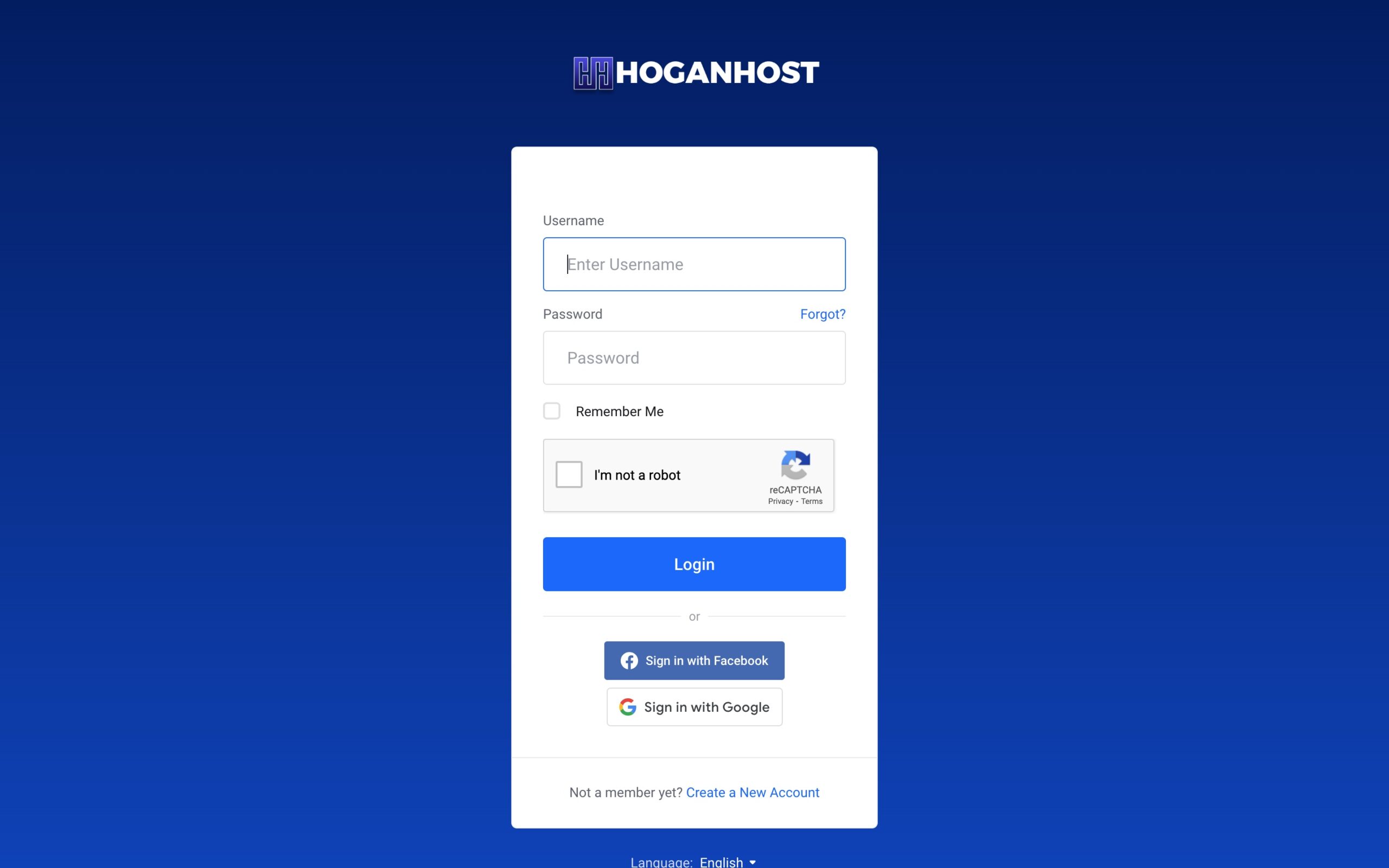
- Log in to your client area.
- On the left-hand side of your dashboard, look for Domain Status Overview.

- Click Domain Status Overview.

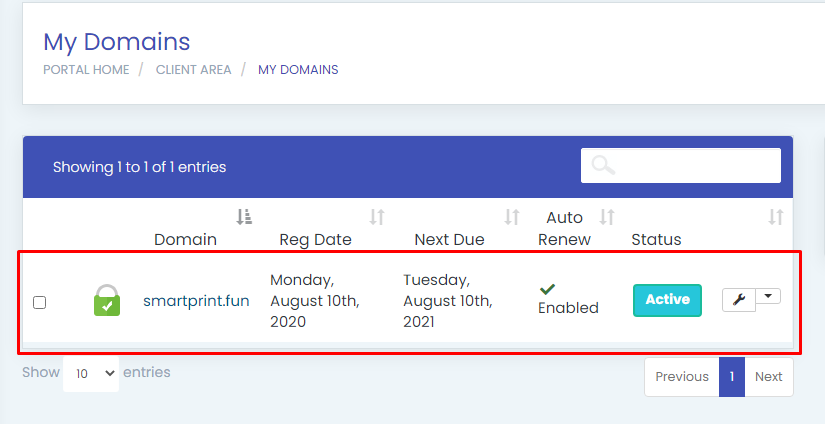
- You will see different domain status sections such as:
- Active
- Expired
- Grace
- Redemption
- Transfer
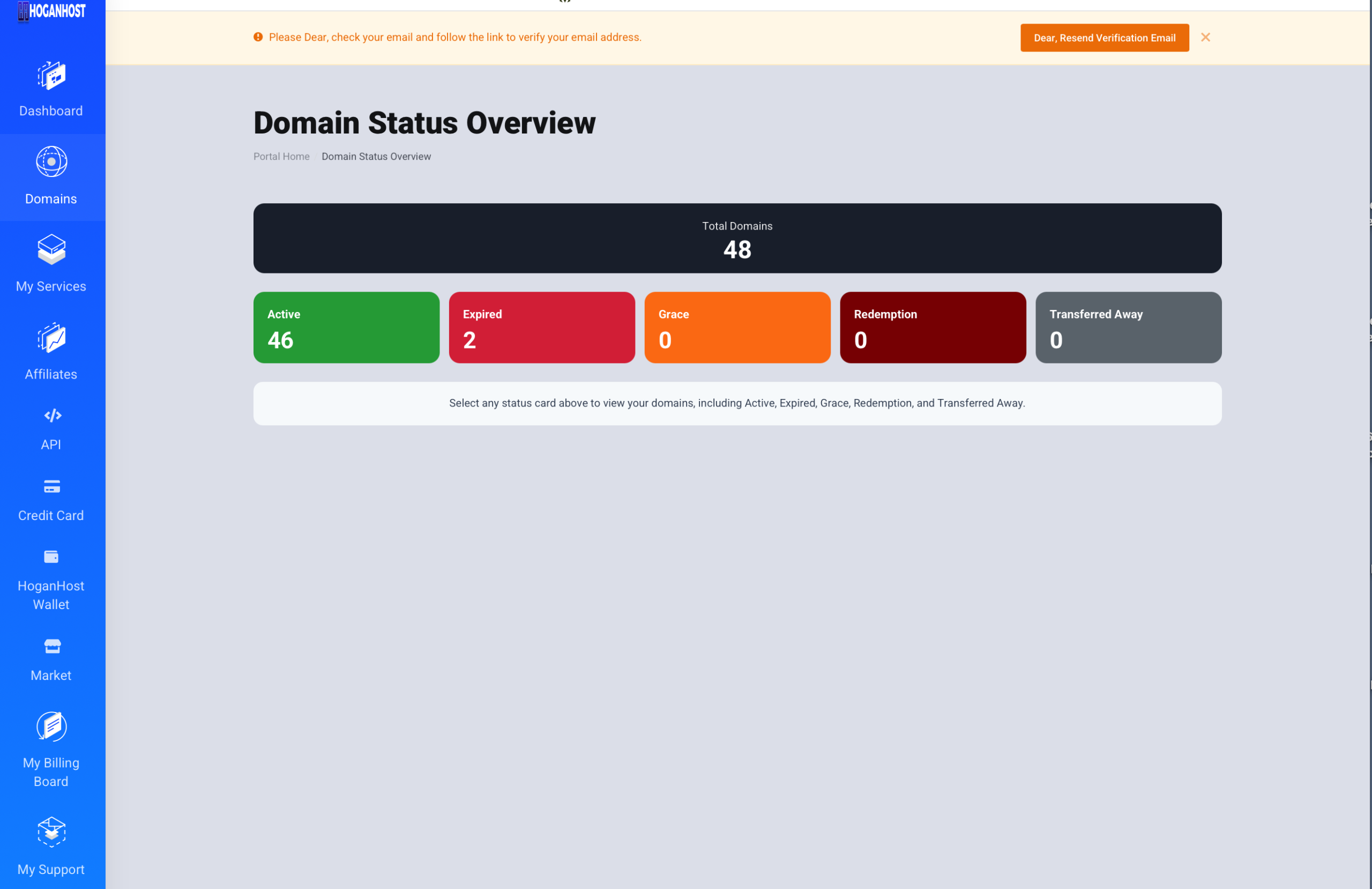
When you click any of these status options, the system will display the domains under that category.
This gives you a clear view of your domain portfolio and helps you take action early before a domain becomes unavailable.
What Each Domain Status Means
Active Domain
An Active domain means your domain is currently registered and working normally.
This is the best status for any domain name. It means the domain is still under your control, it has not expired, and it can continue to power your website, business email, and other online services.
If your domain is active:
- Your website should continue to work normally
- Your email addresses connected to the domain should remain functional
- You still have time before renewal becomes urgent
Even when a domain is active, it is still wise to monitor its expiry date so you can renew it before any interruption happens.
Expired Domain
An Expired domain means the registration period has ended and the domain was not renewed on time.
When a domain expires, services connected to it may stop working or become unstable. In many cases, your website may go offline, and emails linked to the domain may stop sending or receiving messages.
If your domain is showing as expired:
- Renew it as soon as possible
- Do not wait too long, because the domain may move into the next recovery stage
- The longer you delay, the more likely you are to face extra fees or possible loss of the domain
An expired domain does not always mean it is lost immediately, but it means urgent action is needed.
Grace Domain
A Grace status means the domain has passed its normal expiry date but is still within the grace period.
The grace period is a short extra time given after expiry during which you may still be able to renew the domain without going through a more expensive recovery process. This period depends on the registrar or domain extension, so it may not be the same for every domain.
If your domain is in grace:
- Renew it immediately
- This is usually your best final chance to restore the domain easily
- Delaying may push the domain into redemption, where recovery becomes more expensive
Think of the grace period as a warning stage. The domain is no longer fully safe, but you still have a chance to act quickly.
Redemption Domain
A Redemption status means the domain has gone beyond the grace period and entered a deeper recovery stage.
At this point, the domain is no longer in normal renewal status. Recovering it is often possible, but it usually comes with an additional redemption fee. This fee is higher because the domain has entered an advanced recovery stage with the registrar.
If your domain is in redemption:
- Take action immediately
- Recovery may cost more than a normal renewal
- If no action is taken, the domain may eventually be released for public registration
This is one of the most critical domain states. If the domain is important to your business, brand, or organization, do not delay.
Transfer Domain
A Transfer or Transferred status generally means the domain is being moved, or has been moved, from one registrar or account to another.
In some cases, this may mean the domain has been transferred away from your current provider. In other cases, it may simply mean a transfer process is active.
If your domain is under transfer:
- Check whether the transfer was initiated by you
- Confirm that all transfer instructions were followed correctly
- Contact support if you did not authorize the transfer or if the status looks unexpected
Transfer-related statuses are important because they affect who manages the domain and where renewals and settings will be handled.
Why Domain Status Monitoring Matters
Many people only think about their domain when it stops working. Unfortunately, waiting until there is a problem can lead to downtime, missed emails, lost visitors, and extra recovery fees.
By checking your Domain Status Overview regularly, you can:
- Stay informed about the condition of your domains
- Renew domains before they become a problem
- Avoid service interruption
- Protect your online identity and brand name
- Respond quickly if a domain enters grace or redemption
This is especially important for business owners, resellers, bloggers, schools, developers, and organizations that rely on stable online access.
Best Practices for Domain Owners
To keep your domains safe, follow these simple best practices:
- Log in to your client area regularly and review your domain statuses
- Renew important domains before the expiry date
- Keep your account email address active so you receive notices
- Enable auto-renew when available
- Pay close attention to domains in Grace or Redemption
- Contact support immediately if you see an unexpected Transfer status
A domain name is often the foundation of your online presence. Protecting it should always be a priority.
Final Thoughts
The Domain Status Overview in your client area is designed to help you easily understand the condition of your domains at a glance.
To recap:
- Active means your domain is working normally
- Expired means the domain has passed its renewal date
- Grace means you still have a short time to renew it
- Redemption means recovery is still possible, but often at a higher cost
- Transfer means the domain is moving or has moved between registrars or accounts
If you have any questions about your domain status or need help with renewal or recovery, please contact our support team.
Log in to your client area and check your Domain Status Overview to stay in control of your domains.
Check out our cheap and reliable web hosting