
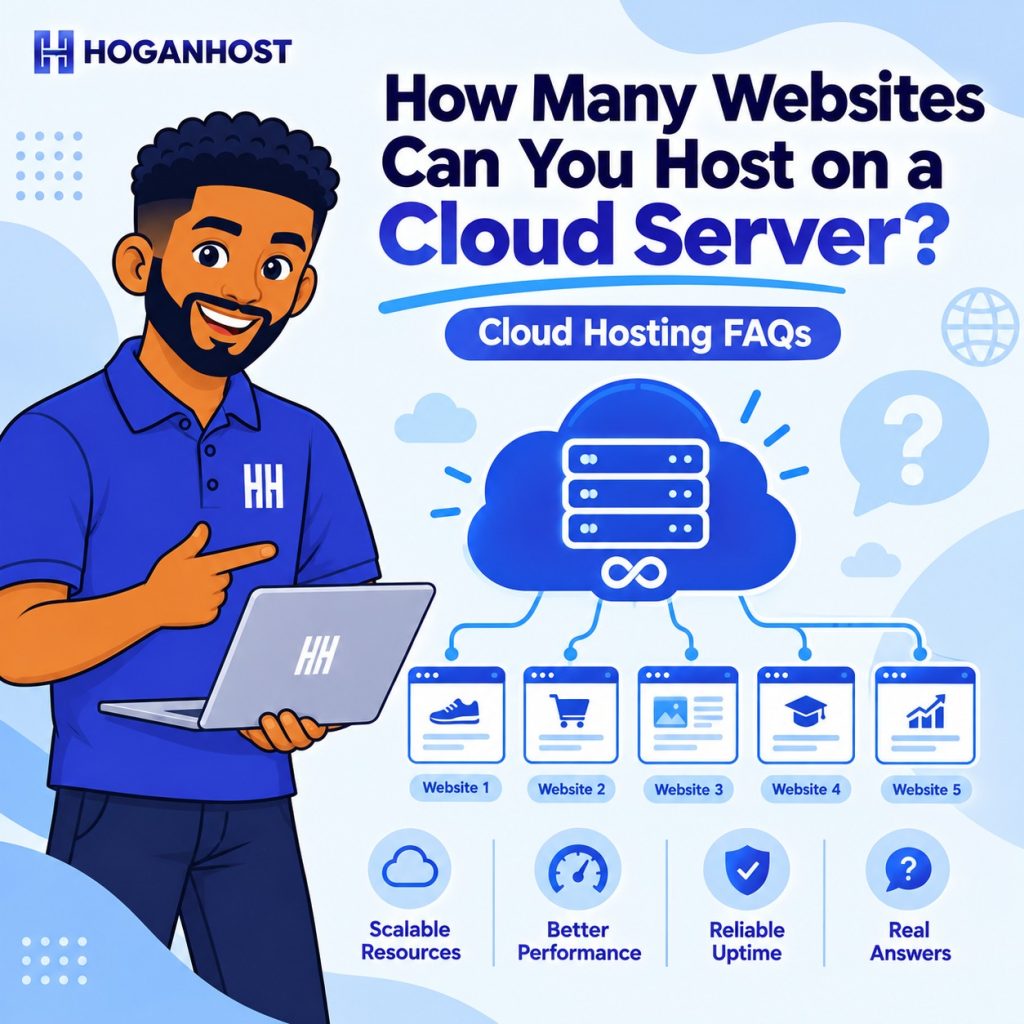
Thinking about using a cloud server to host your websites? Below are answers to some of the most common questions about hosting multiple websites, reseller hosting, backups, snapshots, and restoring your websites.
How many websites can I host on a cloud server?
There is no fixed limit to the number of websites you can host on a cloud server. The number of websites you can run depends on the server’s available resources, including CPU, RAM, storage, and bandwidth, as well as how much traffic and resources each website uses.
For lightweight websites, such as business websites, blogs, landing pages, and smaller WordPress sites, you can host multiple websites comfortably on a cloud server.
As your websites grow and receive more traffic, you can upgrade your cloud server resources to accommodate increased usage.
Can I host multiple websites on one cloud server?
Yes. A cloud server can be used to host multiple websites on the same server.
You can configure separate websites and domains on the server using a hosting control panel such as cPanel/WHM or another compatible control panel. The number of websites you can host will depend on the resources required by each website.
Can I use a cloud server for reseller hosting?
Yes. You can use a cloud server for reseller hosting.
You can install cPanel/WHM or another compatible hosting control panel and create separate hosting accounts for your customers. This allows you to manage multiple customer websites and hosting accounts from one cloud server.
Please note that any required control-panel licence, such as a cPanel licence, may need to be purchased separately.
If you plan to host a large number of reseller accounts or websites, we may recommend a higher cloud server plan based on your expected resource usage.
Is cloud server backup free?
Yes. Our cloud servers include automated backups and unlimited snapshots at no additional cost.
Backups provide an additional layer of protection for your websites and server data, while snapshots can be used to preserve a specific state of your server and help with recovery when needed.
How do I restore my website if something goes wrong?
You can restore your server or website using an available backup or snapshot.
If you experience any difficulty restoring your data, our 24/7 support team is available to assist you with the recovery process.
Having automated backups and snapshots available can make it easier to recover your websites if there is a configuration problem, accidental change, or other issue.
Can I upgrade my cloud server later?
Yes. You can start with a smaller cloud server and upgrade your resources as your websites or customer base grows.
The Basic Micro Cloud Server is a good option if you’re just getting started. As you add more websites, receive more traffic, or begin hosting customers through a reseller setup, you can move to a larger configuration when additional resources are needed.
Is the Basic Micro Cloud Server suitable for hosting websites?
The Basic Micro Cloud Server can be a suitable starting point for lightweight websites and small hosting requirements.
The number of websites it can comfortably support will depend on the type of websites you’re hosting, their traffic levels, and their resource requirements. Websites with higher traffic or resource-intensive applications may require a larger cloud server configuration.
Do I need cPanel to host websites on a cloud server?
No. cPanel is not the only option for managing websites on a cloud server.
You can use cPanel/WHM or another compatible hosting control panel, depending on your requirements. If you choose a paid control panel such as cPanel, its licence may need to be purchased separately.
A control panel can make it easier to manage domains, websites, hosting accounts, databases, email accounts, and other hosting features.
Can I use the cloud server to host customers’ websites?
Yes. You can configure the cloud server for hosting customers’ websites, including through a reseller hosting setup.
For larger numbers of customers or higher resource usage, choosing a cloud server with sufficient CPU, RAM, storage, and bandwidth is important. We may recommend a higher cloud plan as your customer base grows.
What happens if I need more server resources?
You can upgrade your cloud server as your requirements increase.
If your websites or customer accounts begin using more CPU, RAM, storage, or other resources, upgrading to a larger cloud server configuration can provide the additional capacity you need.
Does the cloud server include technical support?
Yes. Our 24/7 support team is available to assist with issues such as backup restoration and server recovery.
If you need help choosing a suitable cloud server configuration, you can also contact our team to discuss your website or hosting requirements.
Which cloud server should I choose?
If you’re starting with a few lightweight websites, the Basic Micro Cloud Server can be a good starting point.
If you plan to host many websites, run resource-intensive applications, or provide hosting to multiple customers, you may need a higher cloud server configuration.
The right choice ultimately depends on the number and type of websites you plan to host, expected traffic, and the resources required by your websites or customer accounts.


