

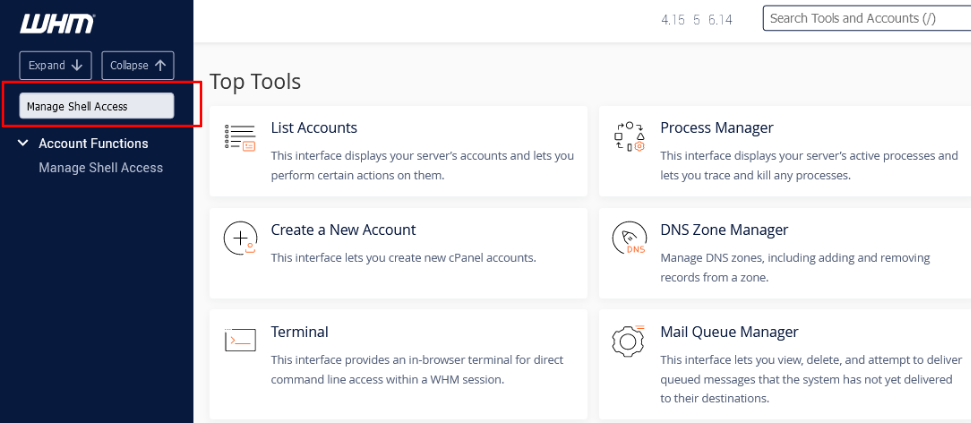
Holla we will show you how to enable ssh access for user’s on your whm/cpanel end using the root access.
1) Log into your WHM using root login details
2) Type “Manage Shell Access” in the top left search box.
3) Find the domain/username you would like to add SSH access for.
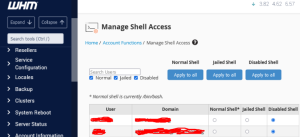
4) Click on the middle radio button. This will allow “Jailed SSH” access.
Note: The difference between Jailed Shell and Normal Shell is that Jailed Shell doesn’t allow users to view the files and content of other users. Normal shell will allow users to access all files.
Do you nee cheap web hosting with 24/7 support kindly visit HoganHost