A domain that will not resolve, meaning typing it into a browser produces an error instead of a website, is one of the more panic-inducing technical problems a business owner can encounter, mainly because the cause is not visible from the browser error message alone. The good news is that this problem almost always traces back to a specific, identifiable cause once checked systematically.
Here is how to work through the diagnosis methodically rather than guessing randomly at fixes.
Confirm the Domain Itself Has Not Expired
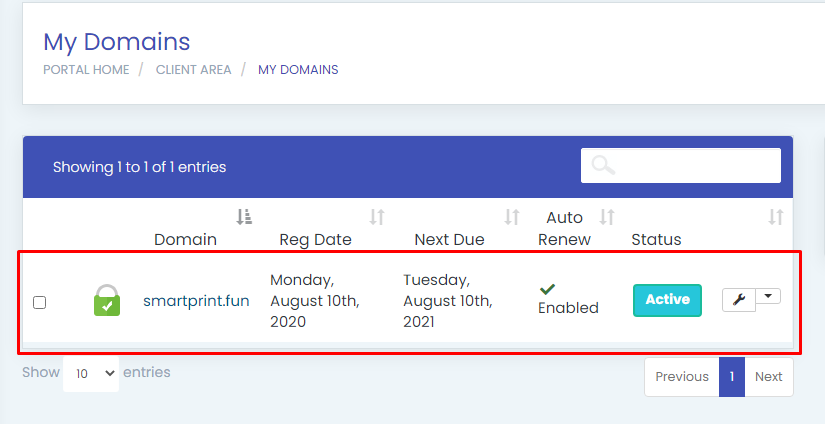
Before investigating anything technical, check the simplest possible explanation first. Log into your domain registrar account and confirm the domain has not expired or entered a grace period following nonpayment. An expired domain will not resolve at all, regardless of how correctly the DNS or hosting is configured.
This is a surprisingly common cause, particularly when renewal reminder emails go unnoticed or land in a spam folder, silently allowing an active business domain to lapse without anyone immediately realizing.
Check Whether Nameservers Are Correctly Configured
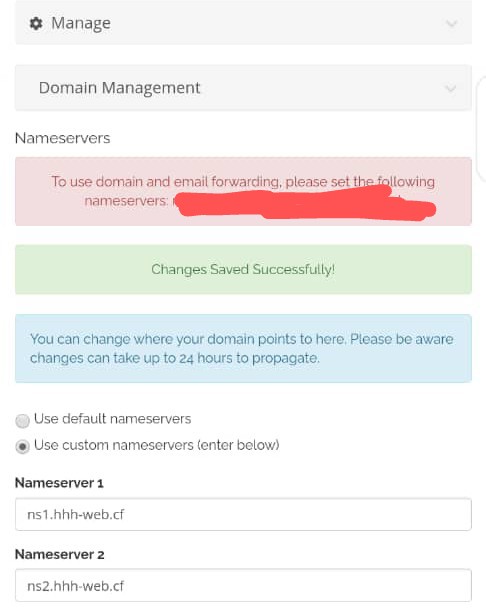
Nameservers tell the internet which company’s DNS system is responsible for the domain’s records. If nameservers were recently changed, incorrectly entered, or still point to a previous, no longer active hosting provider, the domain will fail to resolve correctly.
Verify the current nameservers listed at the registrar match exactly what your active hosting provider expects. A single incorrect character in a nameserver address is enough to break resolution entirely.
Verify DNS Records Are Actually Present and Correct
Even with correct nameservers, if the actual DNS records, particularly the A record pointing to your server’s IP address, are missing, incorrect, or accidentally deleted, the domain still will not resolve. Log into your DNS management panel and confirm the A record exists and points to the correct, current server IP address.
A record pointing to an outdated IP address, perhaps left over from a previous hosting provider, is a common and easily overlooked cause of resolution failure following a hosting migration.
Allow Time for DNS Propagation After Recent Changes
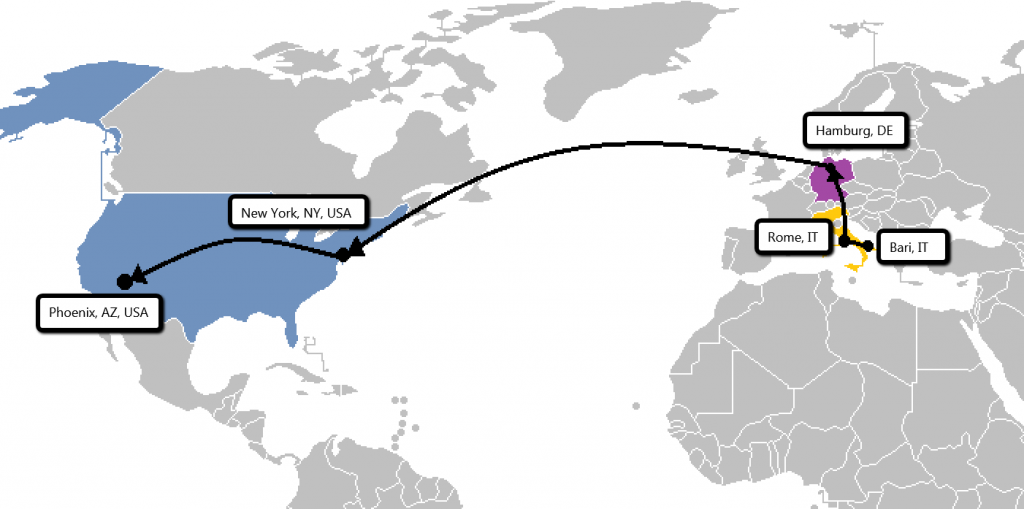
If nameservers or DNS records were changed recently, resolution failure may simply reflect normal propagation delay rather than an actual configuration error. DNS changes typically take a few hours to fully propagate globally, occasionally up to 48 hours in less common cases.
Use a DNS propagation checking tool to see whether the correct records have already propagated to some locations globally, which helps distinguish a genuine configuration problem from simply needing more time.
Check for Domain Lock or Registrar Hold Issues
Occasionally, a domain enters a locked or held status due to a billing dispute, a suspected policy violation, or an unresolved registrant verification requirement. This kind of hold can prevent proper resolution even when DNS settings appear entirely correct.
Check directly with your registrar for any account notices or holds on the specific domain, since this cause is not visible through DNS troubleshooting tools alone.
Test From Multiple Networks and Locations
A domain that appears not to resolve on one specific network or device may actually be resolving correctly elsewhere, with the issue instead being a local DNS cache holding onto outdated information, or a specific internet service provider experiencing its own DNS resolution issue.
Test the domain from a different network entirely, such as mobile data instead of a home or office internet connection, to rule out a localized rather than genuinely global resolution problem.
Clear Local DNS Cache When Troubleshooting From Your Own Device
Computers and routers cache DNS lookups temporarily to speed up repeat visits, which can occasionally cause a device to keep referencing outdated, incorrect information even after the actual DNS records have been corrected. Clearing the local DNS cache on the specific device experiencing the issue can resolve this without needing any further server-side changes.
Confirm the Correct Domain Spelling and Extension
This might seem obvious, but a resolution failure sometimes traces back to a simple typo in the domain being tested, particularly confusing a .com and a .com.ng version of a similar business name, or a missing or extra character that goes unnoticed at a quick glance.
Getting Support for Persistent Resolution Issues
If systematic checking through each of these steps does not reveal an obvious cause, the issue may require deeper investigation into DNS zone configuration or registrar-level account status that benefits from direct technical support.
HoganHost’s FreeDNS management panel provides clear visibility into DNS records and configuration, with support available to help diagnose resolution issues that are not immediately obvious from checking the settings alone.
A domain that will not resolve feels alarming, but the cause is almost always one of a small, well-understood set of possibilities. Working through them systematically, rather than guessing, resolves the vast majority of cases quickly.