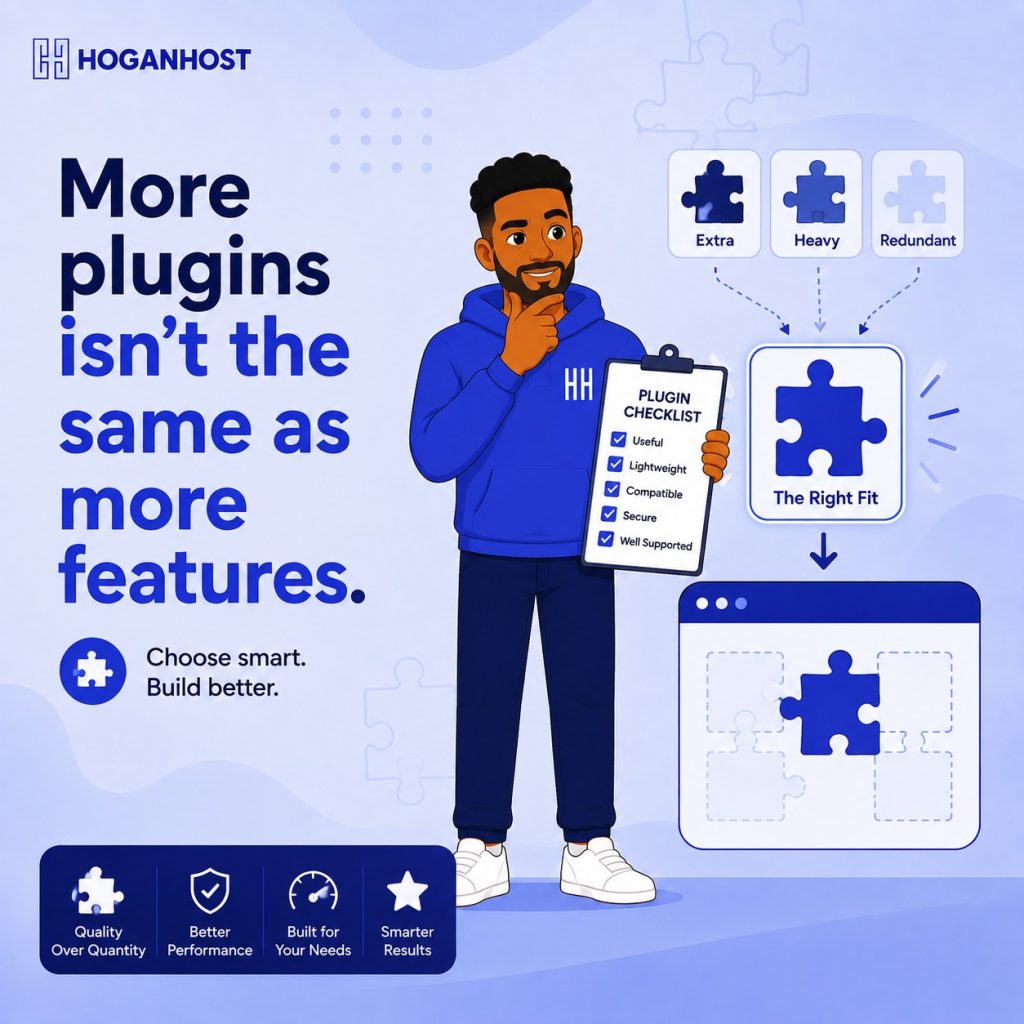
Every WordPress plugin promises to solve a problem, and it is genuinely tempting to install one for every feature you can imagine needing. But each additional plugin adds weight, complexity, and risk to your website. Here is how to choose plugins deliberately, rather than accumulating them carelessly.
Step 1: Start From Your Actual Needs, Not A Feature Wishlist
Before browsing plugin options, list the specific, genuine functionality your small business website actually requires: contact forms, SEO tools, security, backups, and anything specific to your business type like booking or ecommerce functionality. Resist the temptation to add plugins purely because a feature sounds interesting or potentially useful someday, since every unnecessary plugin is unnecessary weight and risk on your site.
Step 2: Check When The Plugin Was Last Updated
This single detail reveals more about a plugin’s quality and safety than almost any other factor. A plugin that has gone unmaintained for an extended period, particularly over a year, carries a meaningfully higher risk of compatibility issues with current WordPress versions and unpatched security vulnerabilities. Prioritize plugins with a genuinely recent update history.
Step 3: Read Actual Reviews, Not Just The Star Rating
A high average rating alone does not tell the full story. Read a handful of genuine written reviews, looking specifically for mentions of support responsiveness, real-world performance impact, and any recurring bugs or compatibility issues other users have reported across multiple reviews.
Step 4: Prioritize Plugins With Active, Responsive Developer Support
Check the plugin’s support forum or documentation for how actively and helpfully the developer responds to user questions and reported issues. A plugin with an active, engaged developer behind it is considerably safer to rely on long-term than one where support requests go consistently unanswered.
Step 5: Choose Purpose-Built Plugins Over Bloated, All-In-One Options
A plugin trying to do everything at once often does each individual function less efficiently than a focused, purpose-built alternative, while adding unnecessary weight for features you are not even using. For most small business needs, a handful of lean, single-purpose plugins genuinely outperform one enormous, all-in-one plugin carrying substantial unused functionality.
Step 6: Avoid Overlapping Functionality Between Plugins
Running two plugins that accomplish similar or overlapping functions, two SEO plugins, or two caching plugins, creates unnecessary conflict risk and wasted resources. Before installing something new, check whether an existing plugin you already have installed covers the same functionality.
Step 7: Test Performance Impact Before Committing Long Term
Some plugins carry a noticeably heavier performance cost than others, even when delivering similar functionality. After installing a new plugin, run a speed test to check whether it has meaningfully affected your website’s load time, and consider a lighter alternative if the impact is significant relative to the value the plugin actually provides.
Step 8: Consider Security Track Record, Not Just Popularity
A widely used plugin is not automatically the safest choice, since popularity alone does not guarantee strong security practices. Check whether the plugin has a documented history of security vulnerabilities, and how quickly the developer typically addresses reported issues when they do arise, since this responsiveness matters more than a clean track record alone.
Step 9: Choose The Essential Categories Every Small Business Site Genuinely Needs
While specific needs vary, most small business websites genuinely benefit from a focused set of plugin categories.
- A caching plugin, unless your hosting already includes built-in caching
- An SEO plugin, to help manage titles, descriptions, and basic technical SEO elements
- A security plugin, providing firewall protection and login monitoring
- A backup plugin, unless your hosting provider already offers automated backups
- A form plugin, if your site needs contact or inquiry forms beyond what your theme provides
Step 10: Regularly Audit And Remove What You Are Not Using
Periodically review your installed plugins and remove anything you are not genuinely, actively using, rather than leaving inactive plugins sitting on your site indefinitely. Since even inactive plugins still represent both a potential security risk and unnecessary clutter, this regular cleanup keeps your site leaner and genuinely more secure over time.
Common Mistakes To Avoid
- Installing plugins for every feature that sounds potentially useful, rather than what your business genuinely needs right now.
- Choosing a plugin purely based on install count without checking its actual update history and reviews.
- Running multiple plugins with overlapping functionality, creating unnecessary conflict risk.
- Never removing plugins you have stopped actively using.
Choosing the best plugins for a small business website comes down to genuine restraint, selecting a lean, purposeful set of well-maintained tools that actually serve your specific needs, rather than accumulating an ever-growing collection of features you rarely use.
Want hosting optimized to run WordPress and your chosen plugins smoothly? Get WordPress-ready hosting from HoganHost and give your plugin selection a fast, reliable foundation.